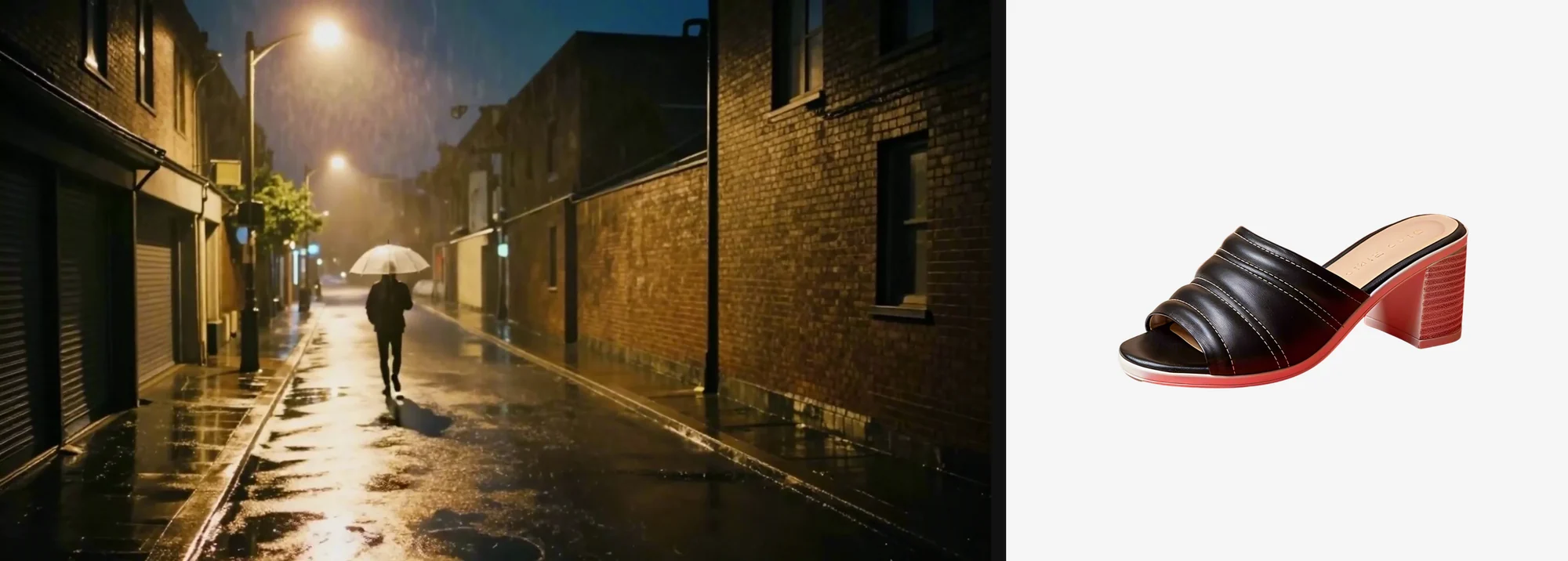
Node editors are powerful. But sometimes you just want to say what you need and get the result back. With the CNAPS Studio MCP, you can do that right inside Claude.
This post is not a setup guide. If you haven't connected CNAPS Studio to Claude yet, start with the CNAPS Studio MCP guide. It takes a few minutes.
Here we just want to show how it feels to use. Two real tasks, start to finish, in one chat. Every model we used is open-weight and runs on CNAPS Studio, so no OpenAI or Google API key needed.
What Claude can do with CNAPS Studio
Once it's connected, you can simply ask.
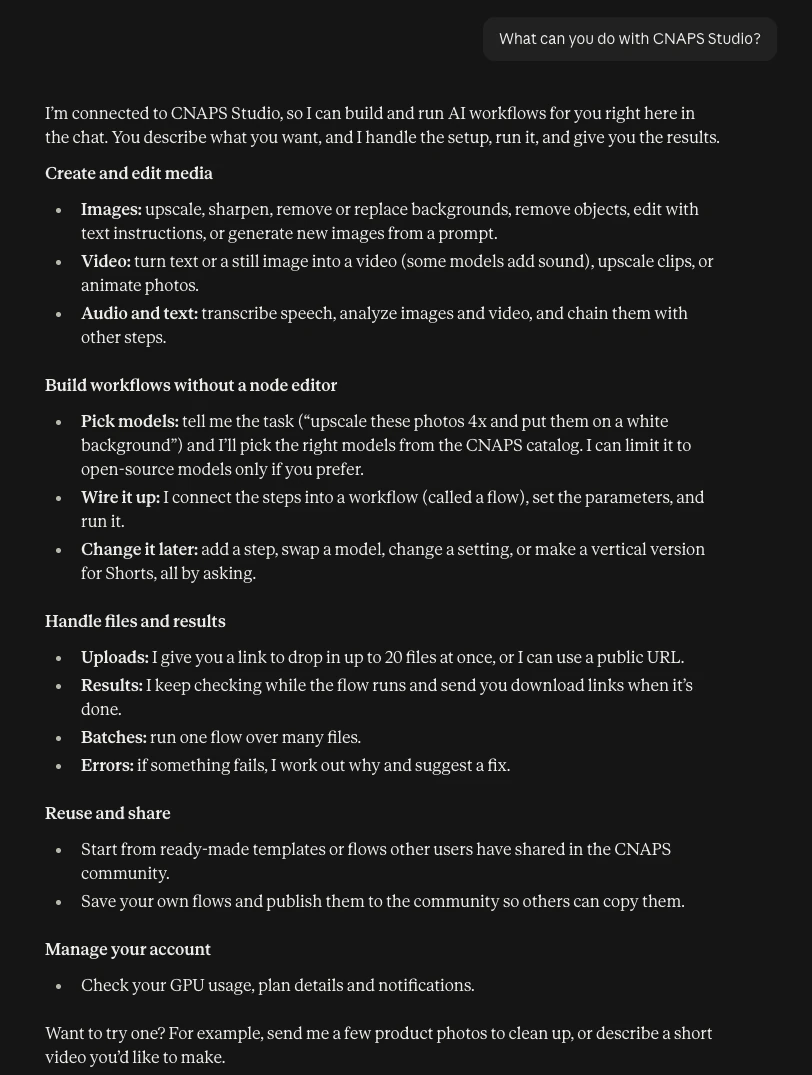
In short, Claude picks the models, builds the workflow (we call it a flow), runs it, and sends back the results. You describe the job, drop in files when it asks, and look at what comes back. If something's not right, you just tell it.
Task 1: Clean up product photos
Say you have a few product shots with busy backgrounds, and they are small. You want them bigger and on a clean background.
Here is what we typed:
I have a few product photos. Can you upscale them 4x and remove the background? Put them on a clean white background. Use CNAPS Studio, open-source models only.
Claude replied with an upload link. You open it, drag in all your photos at once (up to 20), and press Upload.
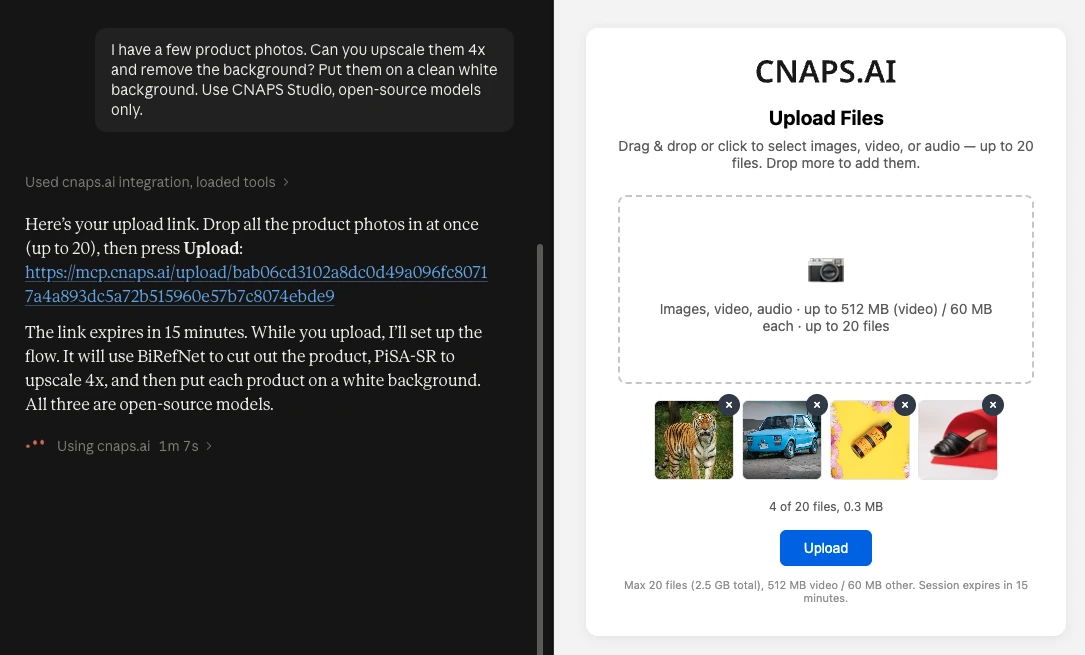
Then we just said "Uploaded".
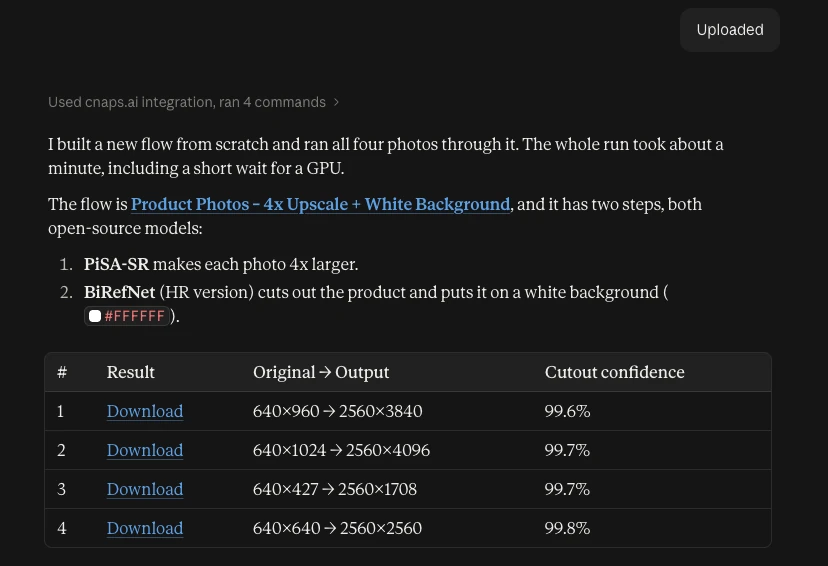
Claude built a two-step flow:
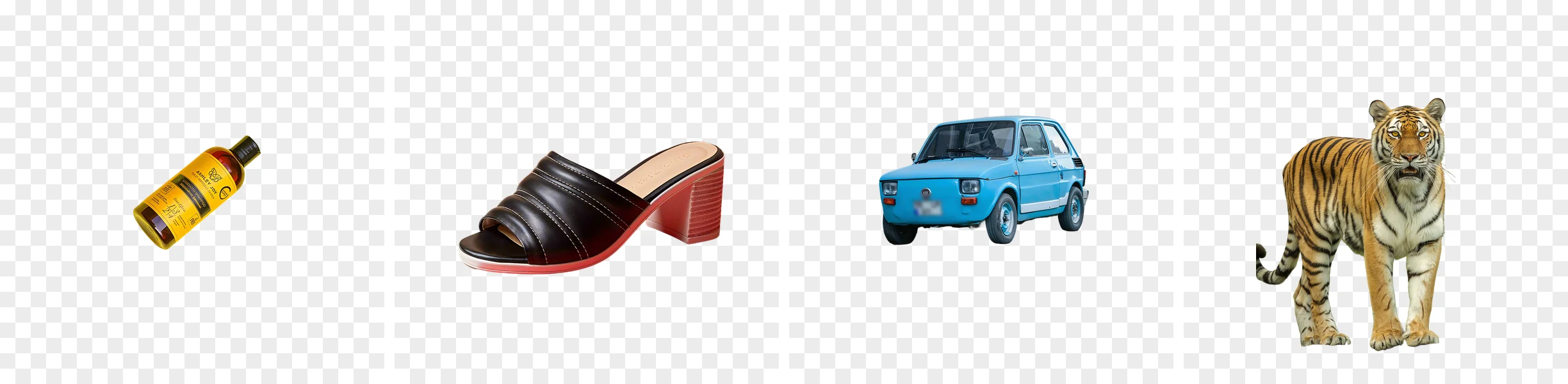
All four went through in one batch. 640px in, 2560px out.
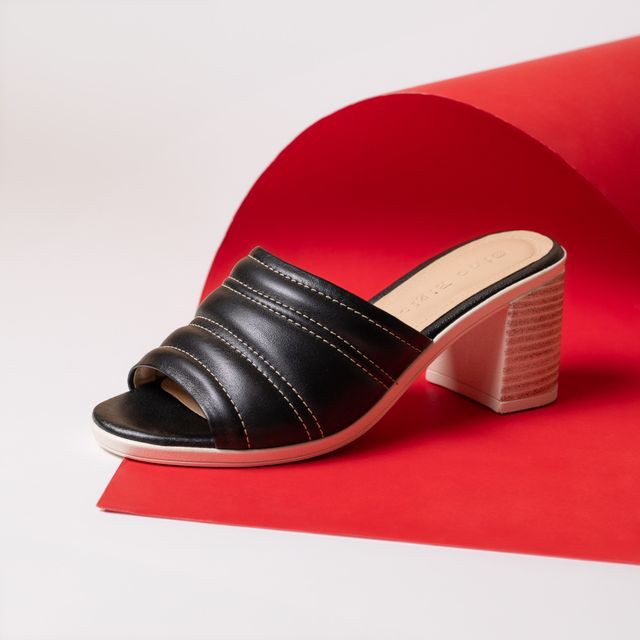
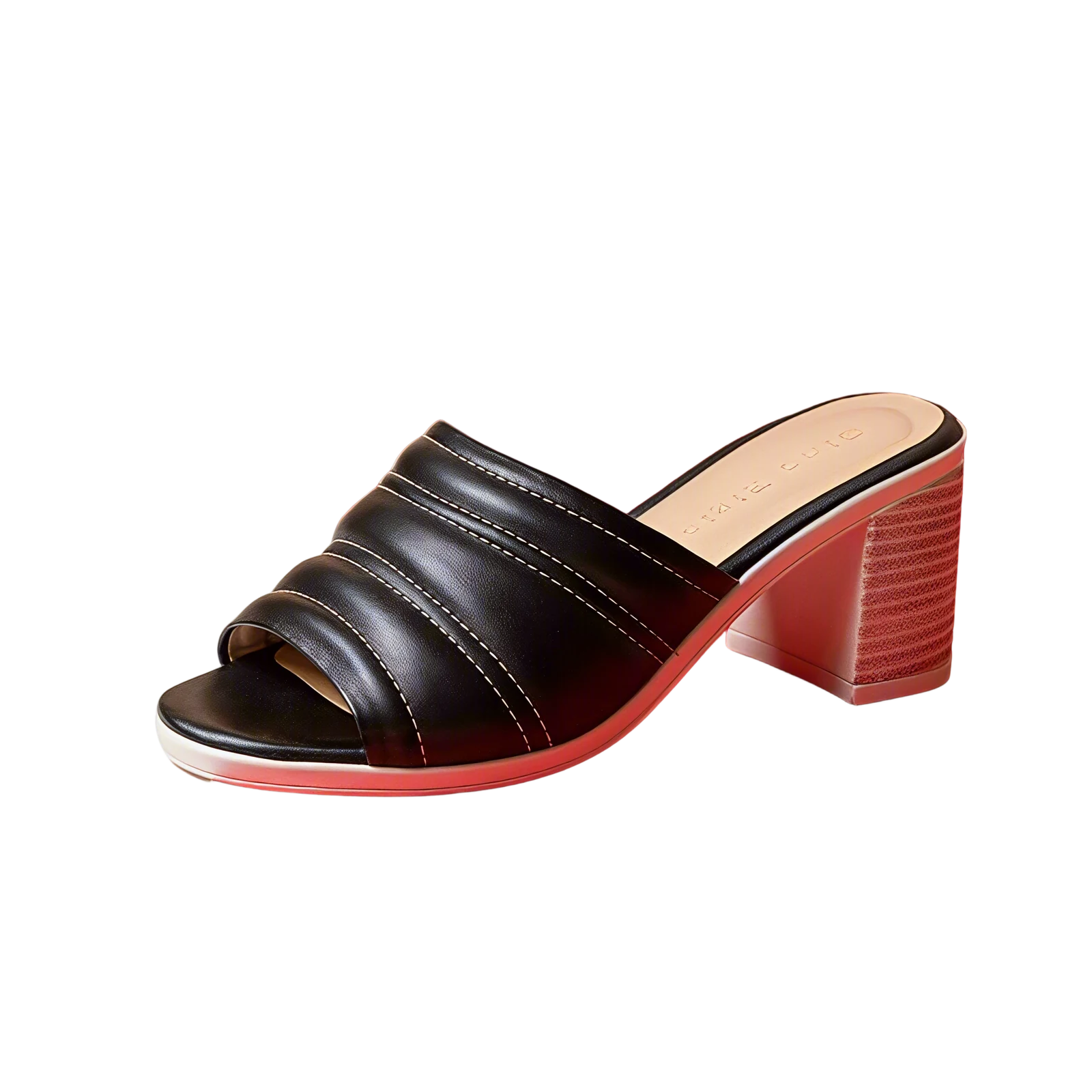
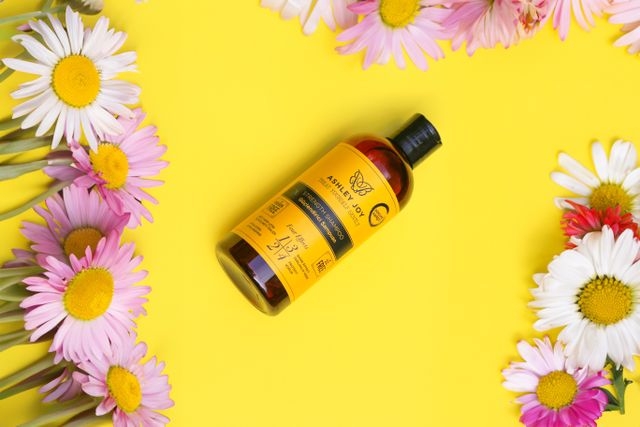
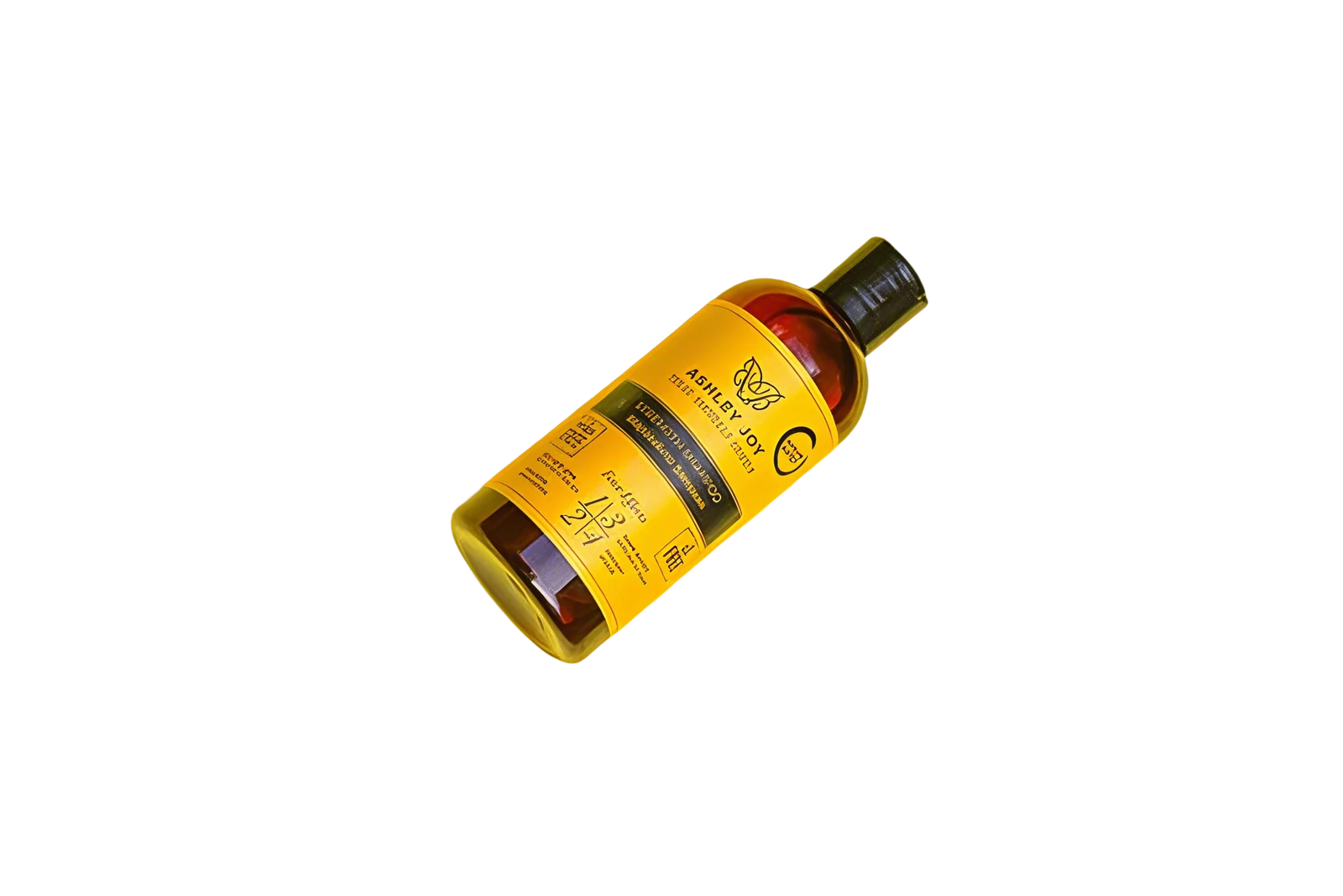
It is not only for products. We threw in a car and a tiger too, just to see.
Change your mind? Just ask
White is good for a store page. But for a banner, you want a transparent background. So:
Nice. Can you give me transparent PNGs instead of white?
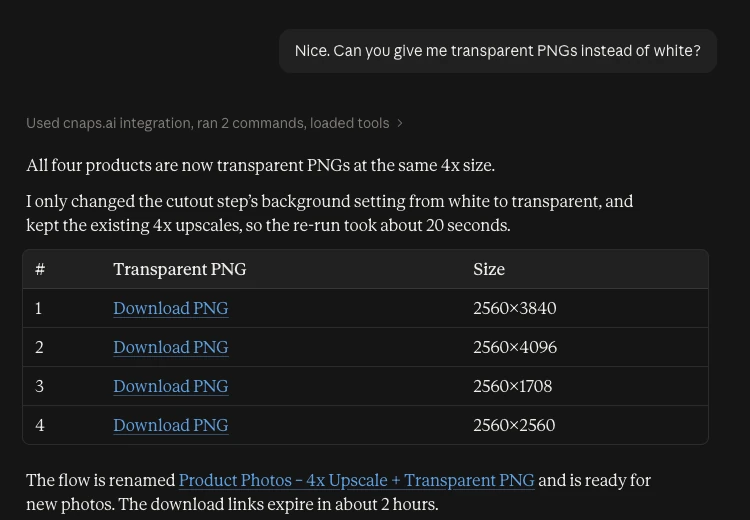
Claude didn't start over. It changed one setting on the cutout step, kept the upscaled images, and re-ran. About 20 seconds.
It's a real flow in Studio
Everything Claude builds is saved in your CNAPS Studio account. Open it in Studio and you see a normal flow.
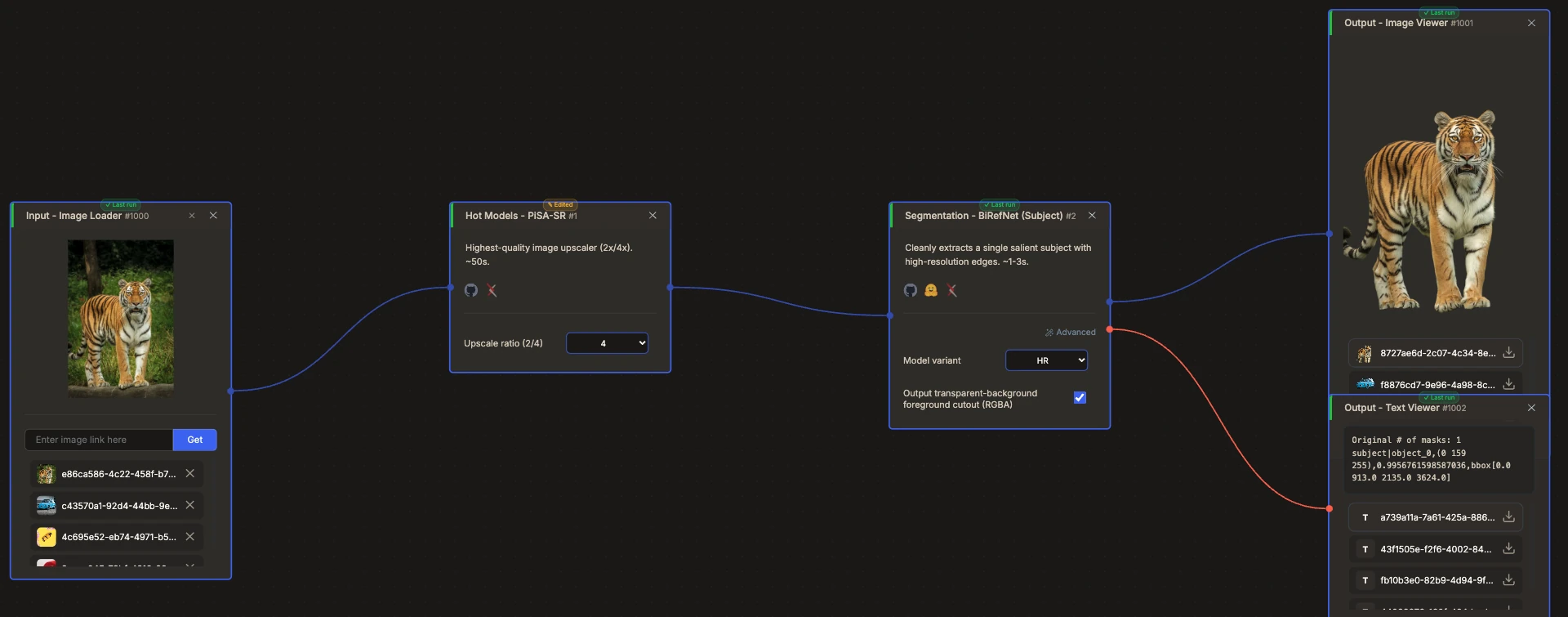
So next time you have product photos, you can run this flow again from Studio, or just ask Claude to use it.
Task 2: Make a short video from one sentence
Second task, no files this time. Only a prompt.
Make a 5-second video of a quiet city street at night in the rain. Someone walking away with a clear umbrella, wet road reflecting the streetlights. No text or signs. Use CNAPS Studio, open-source models only. Show me the first frame before you make the video.
We asked for the first frame first. Video takes longer to make, so it's good to check the look before you spend the time.
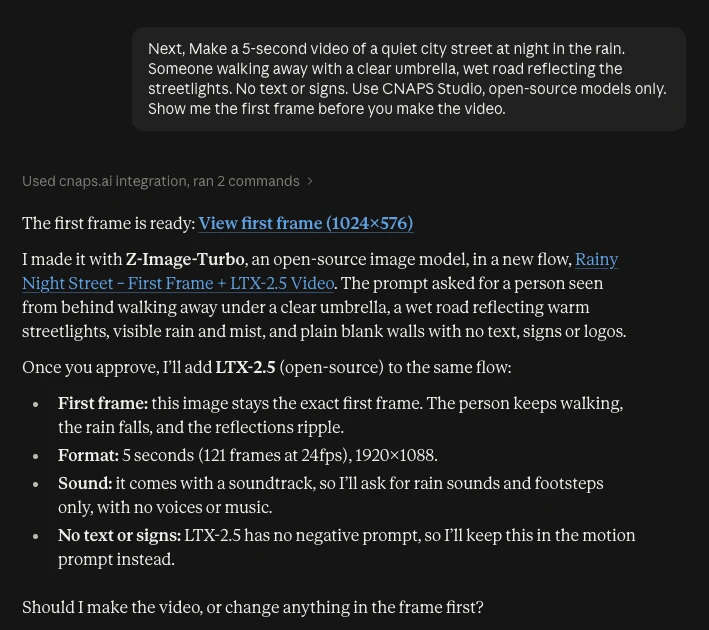
Z-Image-Turbo made the first frame in a few seconds.
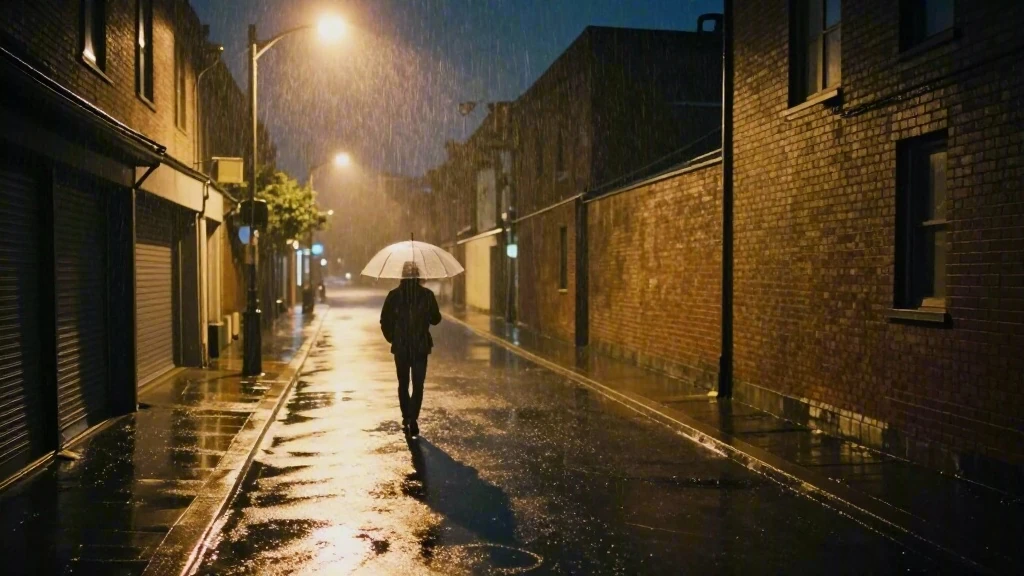
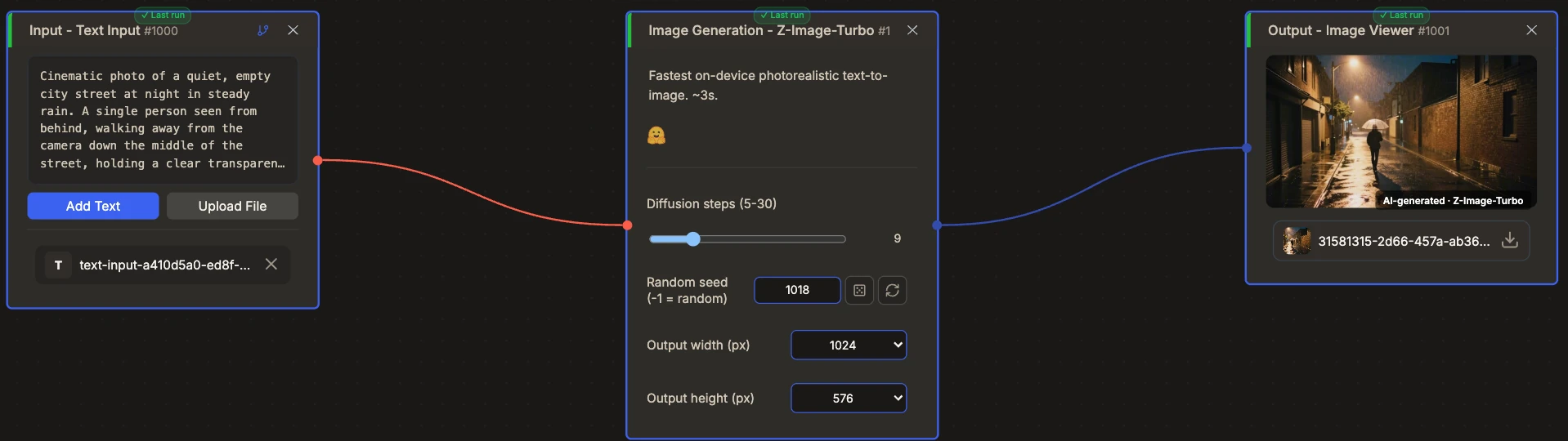
Looks good. So:
Looks good. Now animate it with LTX-2.5. Add rain sound too.
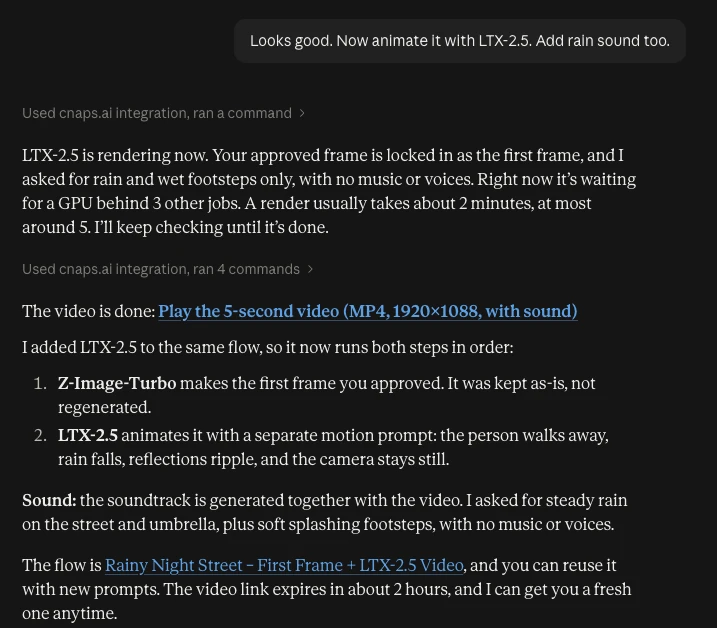
LTX-2.5 makes the video and the soundtrack together. So you get rain and footsteps in the same file, no separate audio step. Output is 1920×1088, 5 seconds. LTX-2.5 is open-weight under Lightricks’ community license.
While it rendered, Claude told us where the job was in the GPU queue and kept checking until it was done. We didn't have to refresh anything.
Claude added LTX-2.5 to the same flow. Open it in Studio and you see the whole chain.
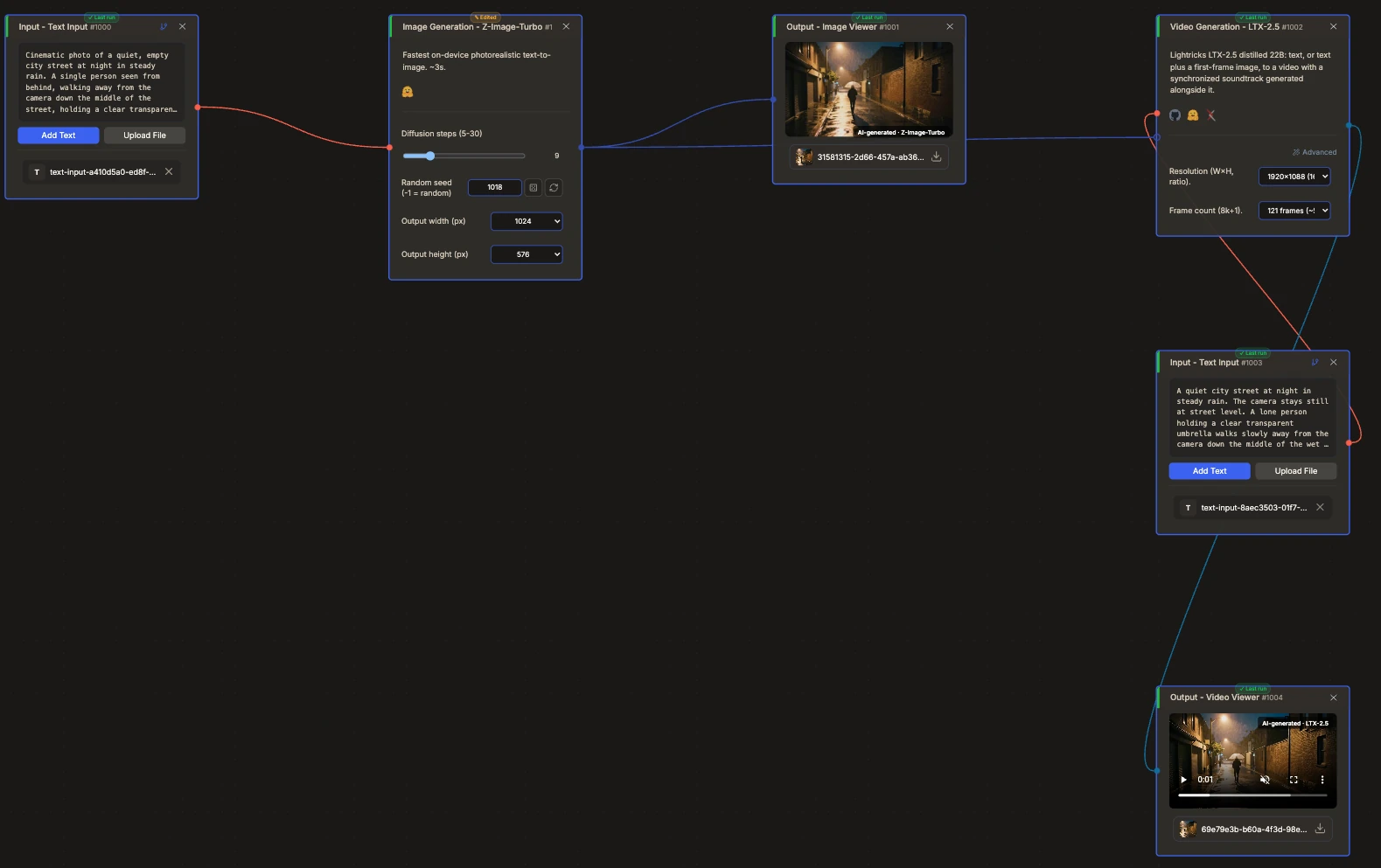
Want a talking presenter instead? Turn one photo into a talking video.
Need it vertical too?
Can you make a vertical 9:16 version for Shorts?
Claude didn't just crop the wide video. That would cut off most of the scene. It made a new vertical first frame and animated that, in a copy of the flow, so the 16:9 version stays as it was.
Why this is nice
- You don't need to know model names. We did say "LTX-2.5" once, but you don't have to. Claude picks the models.
- Changes are one sentence. White to transparent, wide to vertical. You just ask.
- Results come back in the chat. No switching tabs to check if it's done.
- It's all saved in Studio. Every flow is there to reuse, tweak by hand, or share.
- Open-weight models hosted on CNAPS Studio. No OpenAI or Google API keys needed for the models.
For a 9:16 cut from real stage footage, see How to Make a 9:16 Idol Fancam.
Try it
- Connect CNAPS Studio to Claude with the MCP guide.
- Ask Claude to do something. Try one of the prompts from this post.
You'll need a CNAPS Studio account. A free account works for single runs; batch runs like Task 1 need a paid plan.
