A product photo can show what something looks like. A set of scenes can help tell its story. CNAPS Studio’s Product in Any Scene card brings the two together with a featured brand, four AI-assisted images, and a direct way to explore the product.
This edition features our partner Talitha Koum and its HM+Barrier™ Face Cream. You can meet the brand, explore four visual interpretations of the product, and use the Shop Talitha Koum button to visit its product page—all from the same card. Start with 3 free runs across all CNAPS Studio cards without an account. Sign in to download your results. A free plan is also available after signup.
Meet the brand behind the example
Talitha Koum is a skincare brand built around White Dandelion, a flower native to Korea. The card introduces HM+Barrier™ Face Cream as a rich barrier cream for dry, sensitive skin.
The brand introduction sits above the sample images, so you can see whose product is featured before exploring the creative work. It includes the brand name, a short product introduction, and a Shop Talitha Koum button.
Select Shop Talitha Koum to open the brand’s product page in a new tab. It takes you to Talitha Koum’s store, where you can read the product details and continue shopping.
One face cream, four visual directions
The example starts with a green face cream tube and an ivory-colored cap. Four sample images place that product in settings developed around the featured brand’s concept:
- Scene 1 — A quiet tabletop setting. The tube stands on pale stone beside stacked pebbles and a white flower in a small clay pot.
- Scene 2 — A warm studio composition. A golden background, dandelion seeds, and cream-like swatches create a more graphic product image.
- Scene 3 — A fresh outdoor setting. The tube sits on a stone slab surrounded by grass, small flowers, and dandelion seed heads.
- Scene 4 — A botanical illustration setting. Blue dandelion drawings, cream fabric, and a blue-tipped pencil frame the product.
The green packaging remains the visual anchor across these samples. The changing surfaces, props, and backgrounds give each image its own mood, while botanical details connect the set.
Explore the original product image and the four actual card samples below.
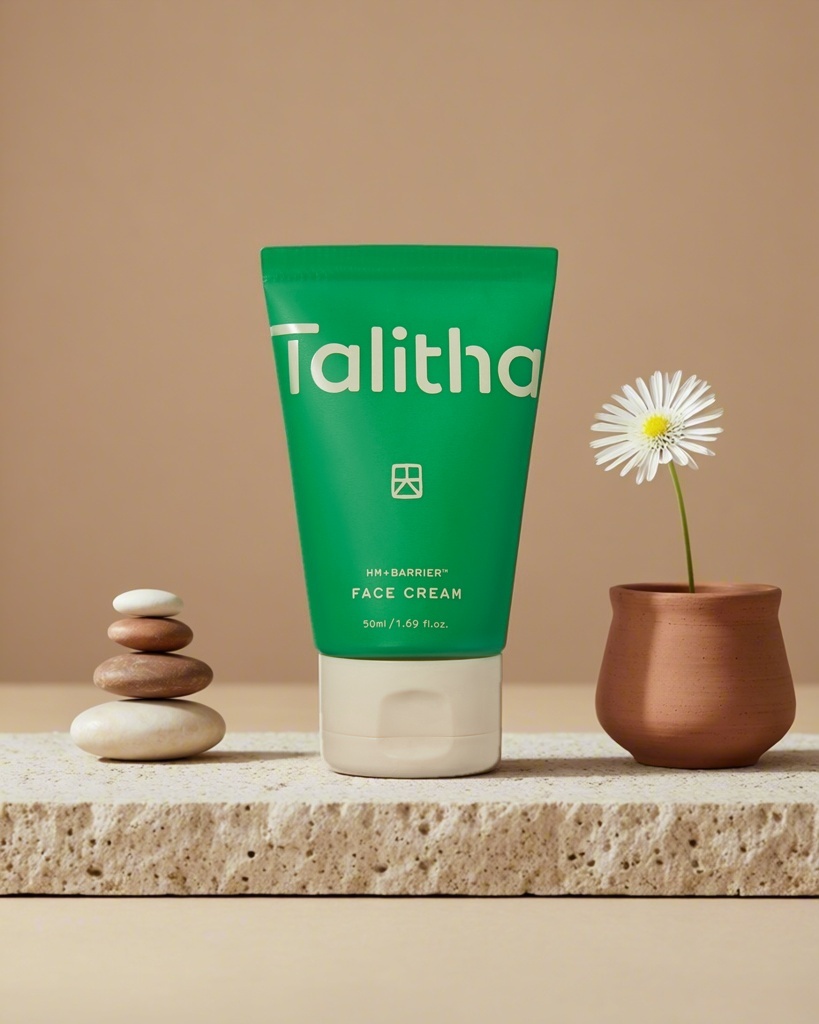
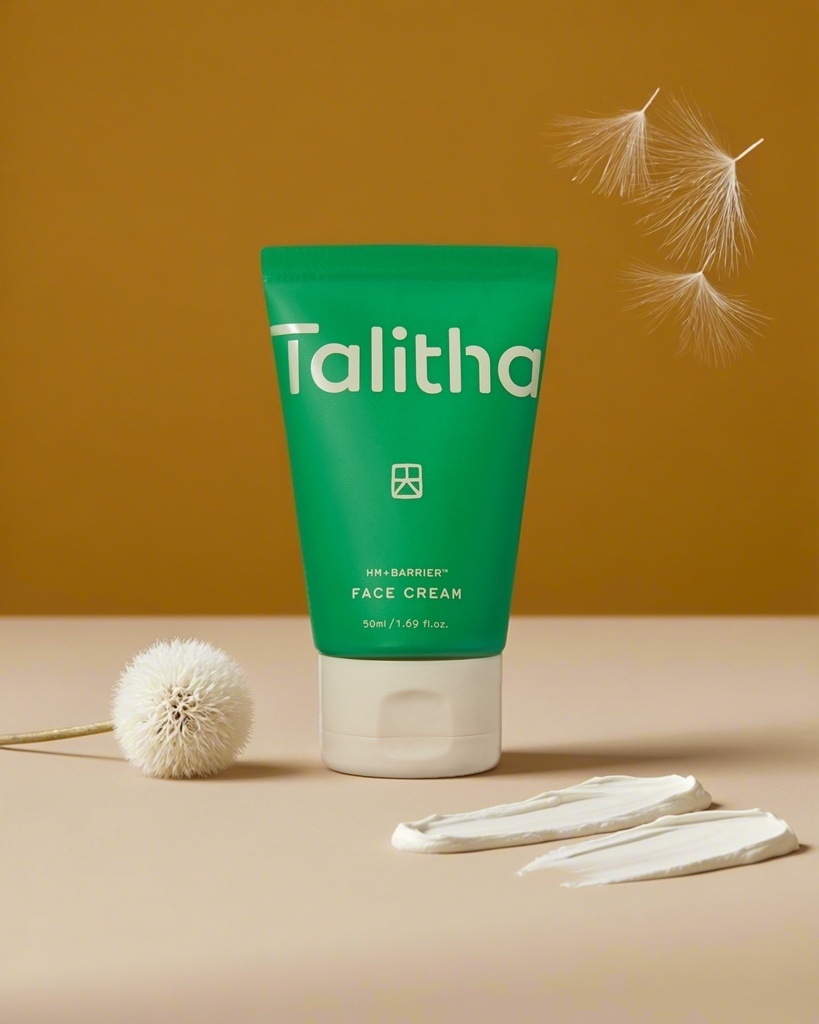
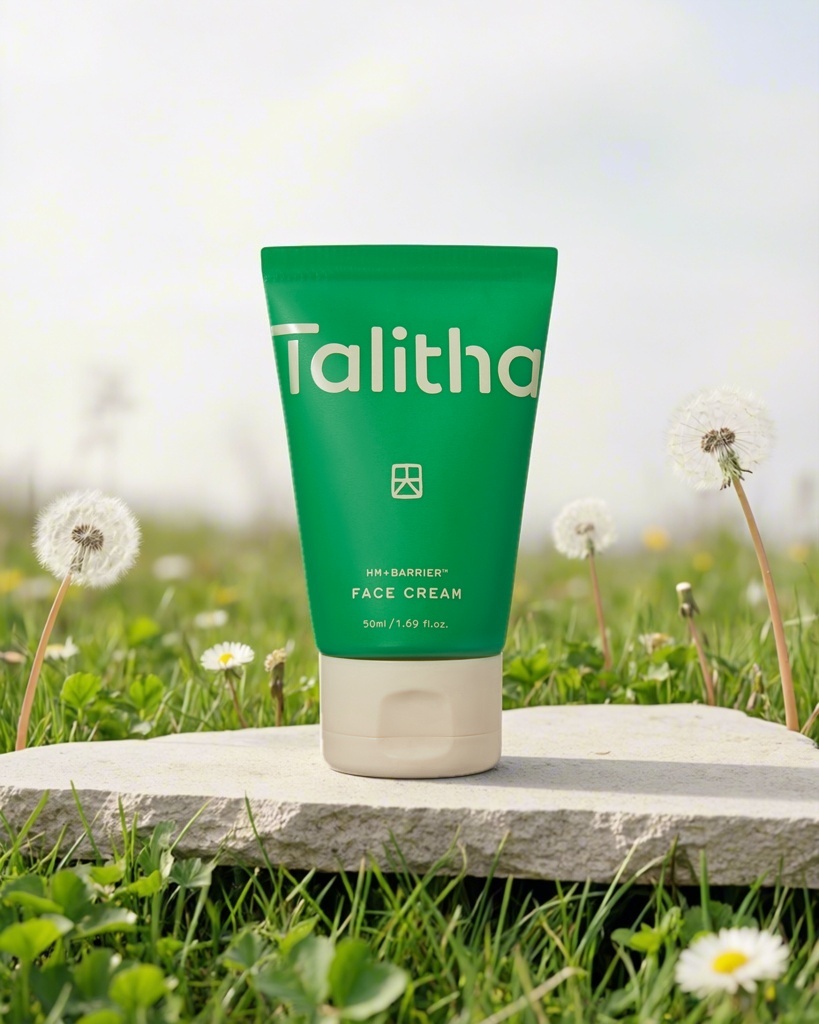
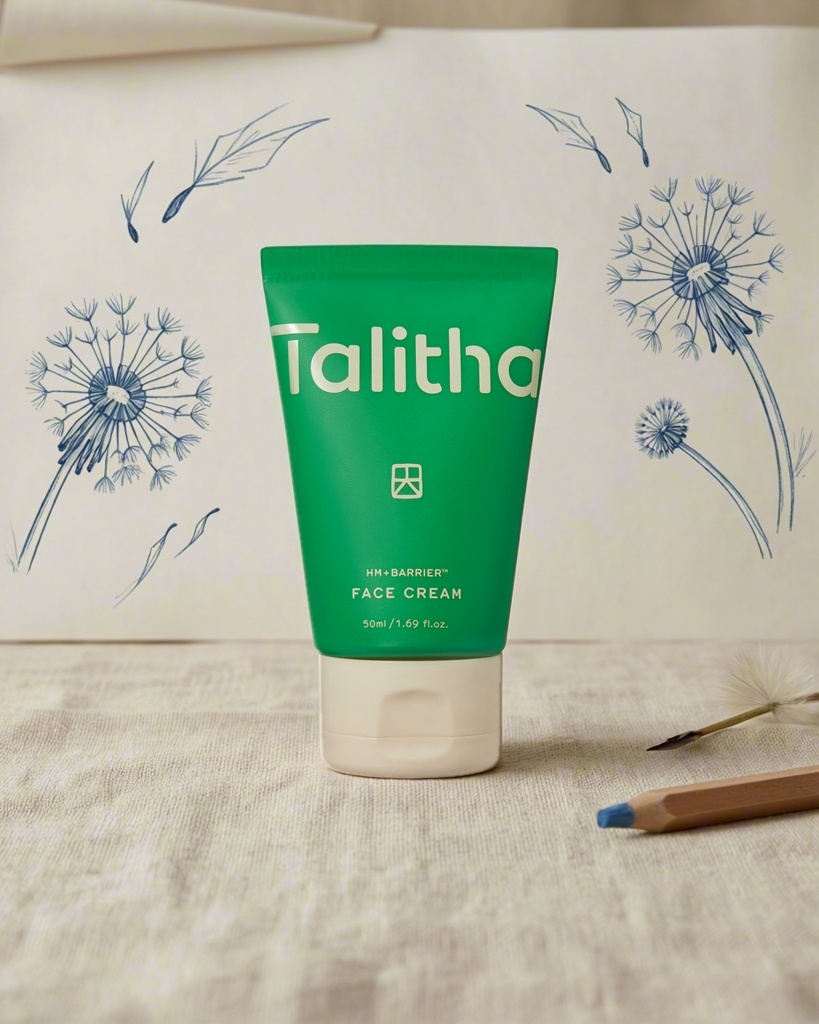
Four actual AI-assisted samples from the Talitha Koum edition of Product in Any Scene. Select an image to view it at full size.
A creative experience built around the brand
These backgrounds are already prepared. This edition uses preset text prompts chosen for the Talitha Koum product concept; you do not need to describe four scenes yourself.
That makes the card more than a gallery of product images. You can explore the sample set, try the prepared task with an image, and return to the featured product whenever you want to learn more about it.
The brand section and Shop Talitha Koum button keep the product’s context close to the creative experience. You can move from seeing the product in different settings to reading about it in the brand’s own store.
How to explore the card
- Meet Talitha Koum. Read the brand and product introduction above the sample images.
- Explore all four scenes. Select a sample to open it at full size. Compare the colors, surfaces, and botanical details.
- Try the prepared task. To use your own product image, select Remove file if the sample is loaded, then add your image in Input. The four scene prompts are preset for this brand-themed edition.
- Run and review. Click Run, then compare the results with your input. Check the product’s shape, packaging, label, and small text before using an image.
- Explore the featured product. Select Shop Talitha Koum to open Talitha Koum’s product page and learn more about HM+Barrier™ Face Cream.
- Download your favorites. Sign in to download the results you want to keep.
Can I choose my own backgrounds?
This edition uses four preset backgrounds developed around the Talitha Koum concept. You provide the product image; the scene prompts are already set up.
Are these photographs from a physical shoot?
The four scenes are AI-assisted sample results from the card. They show creative settings for the product. Review generated details against the original product image before using them in your own marketing.
Where does Shop Talitha Koum take me?
It opens the featured product’s page on Talitha Koum’s website in a new tab. The creative experience happens in CNAPS Studio; the button connects you directly to the brand’s store.
Explore Talitha Koum in Product in Any Scene →
Meet the brand, explore four scenes, and follow Shop Talitha Koum to discover the product behind the images.
