Have an image in mind, but want to see a few different versions before choosing one? CNAPS Studio’s One Prompt, Three 4K Images card turns one text description into three AI-generated images. The task is already prepared, so you can compare different interpretations without connecting models or building a flow.
You can start with 3 free runs across all CNAPS Studio cards without an account.
One snow leopard, three visual directions
In this example, the prompt describes a snow leopard on a cliff at sunrise, with mist in the valley and dramatic light. The card shows three sample results, labeled Z-Image-Turbo, FLUX.2, and OmniGen2.
The Z-Image-Turbo example places the animal near the center, facing forward. The FLUX.2 example brings the animal closer and shows a bright sunrise over a deep mountain valley. The OmniGen2 example uses a side view and a warm orange sky.
All three explore the same idea, but the framing, light, and mood feel different. Seeing them together makes it easier to decide which direction fits your project.
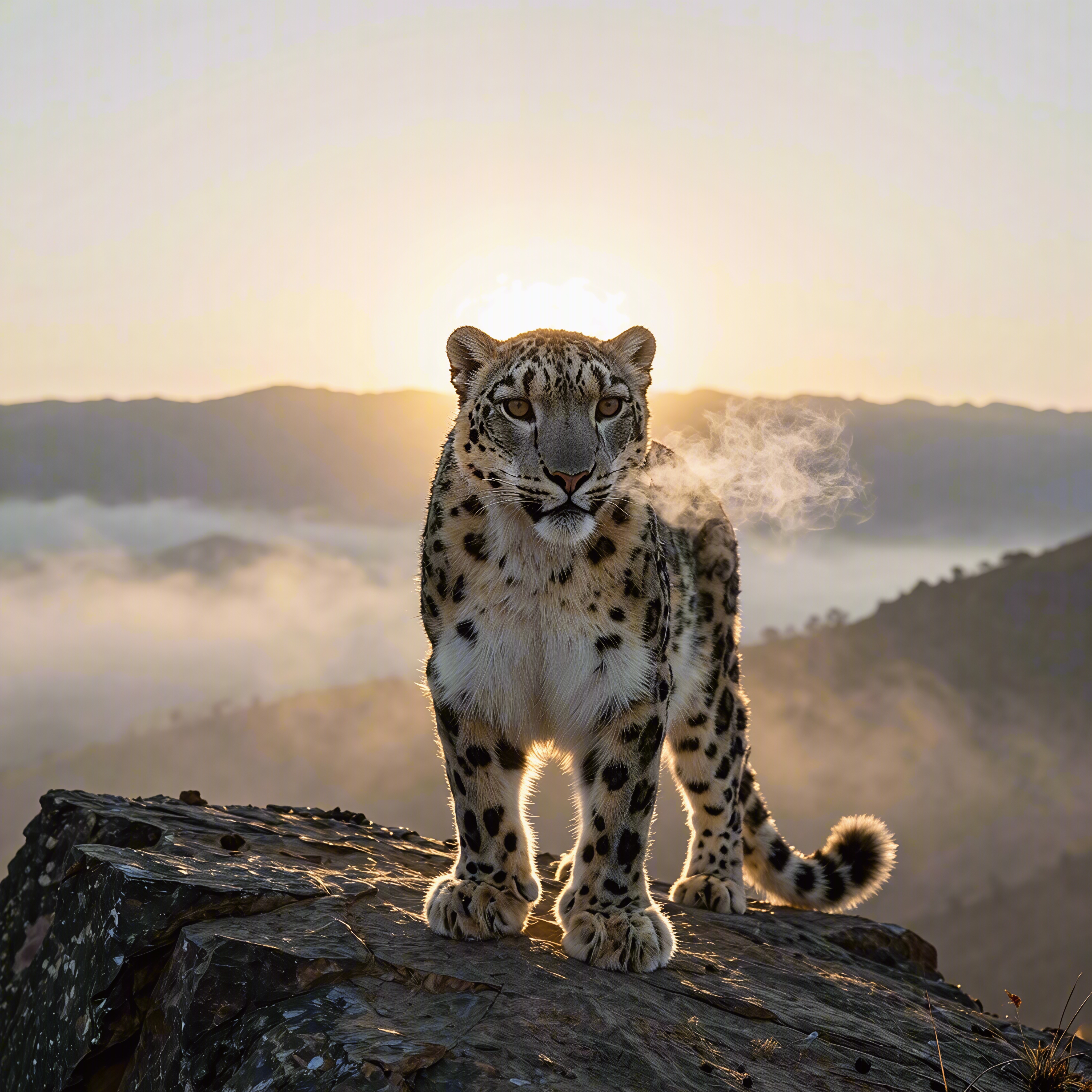
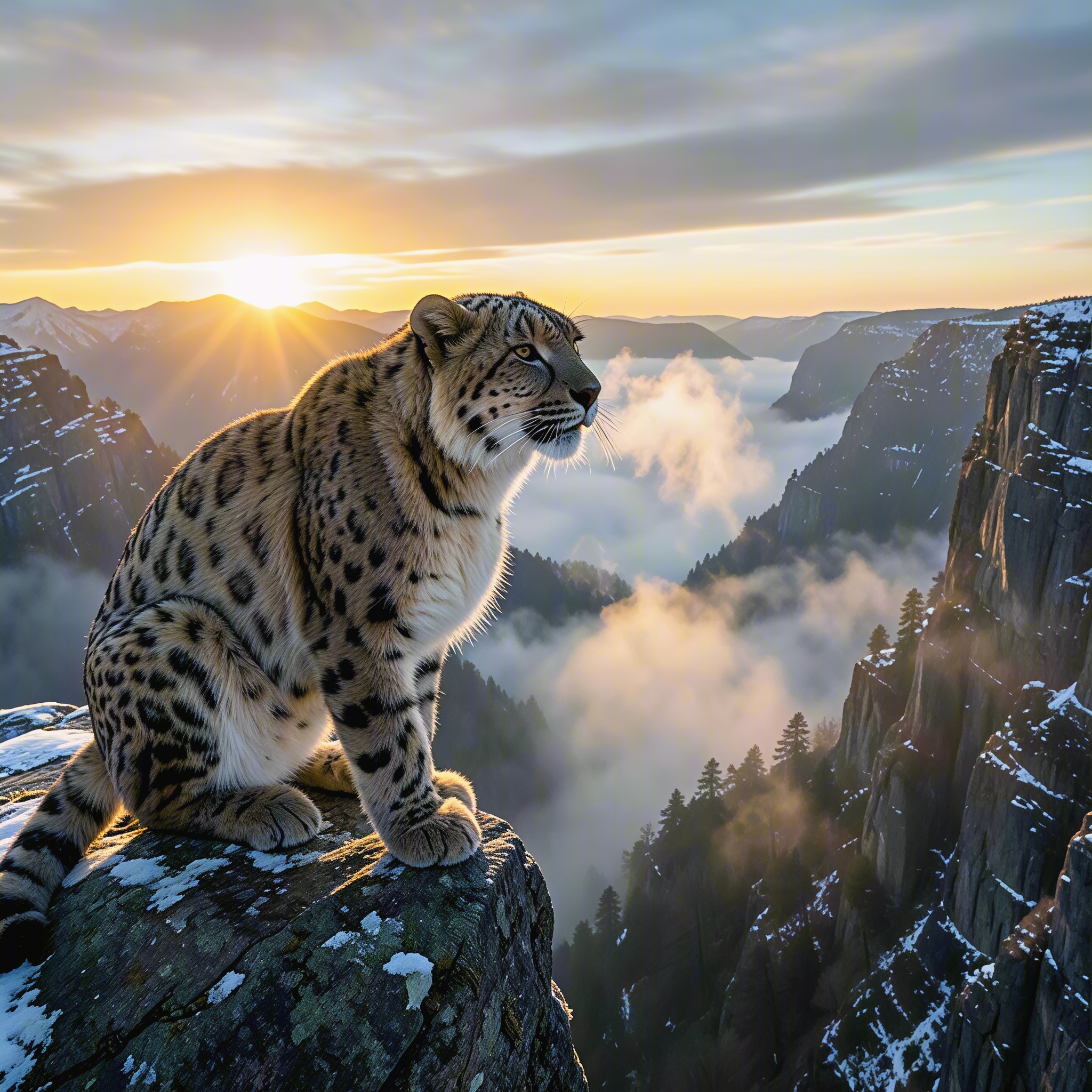
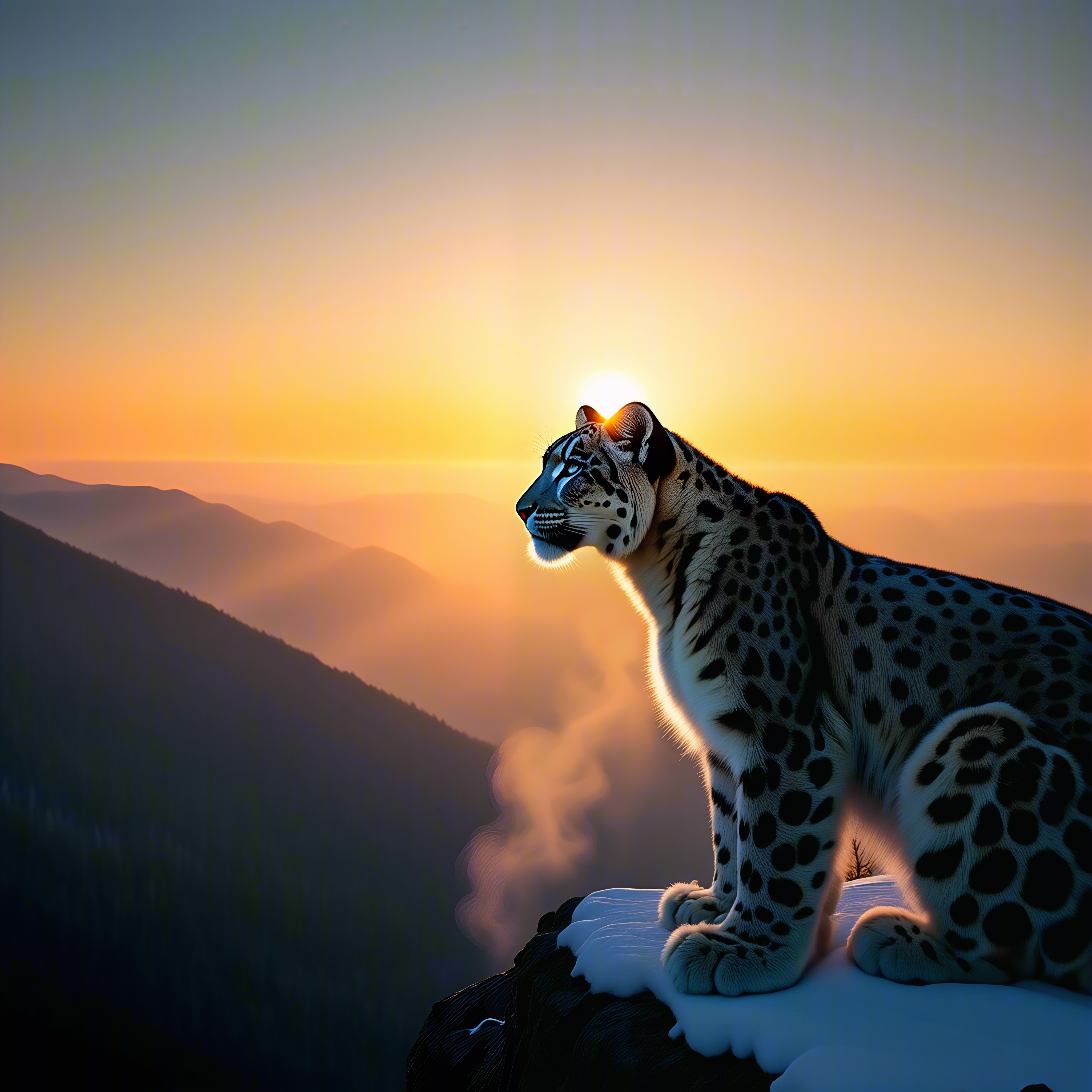
Three AI-generated sample images from the same prompt. Select an image to open it at full size.
The prompt behind the example
Here is the description used for these sample images:
A snow leopard on a cliff at sunrise, breath steaming in the cold air, mist rolling through the valley below, dramatic backlight, ultra detailed fur, vertical composition
The prompt gives the scene a subject, a setting, a time of day, and a mood. For your own image, start with those same building blocks. For example, describe what should be in the picture, where it should be, and how you want the light to feel.
You do not need a long technical prompt to begin. A clear description gives you something concrete to compare in the results.
How to try it
- Open the card. Go to One Prompt, Three 4K Images.
- Explore the example. Open each sample image at full size to look at the composition and details.
- Describe your own image. Replace the example text in the Input field. The card recommends English prompts.
- Run the task. Click Run. The card lists a usual wait of 1–4 minutes.
- Compare the results. Look at the subject, background, lighting, and overall mood, then choose the image that fits your idea.
- Download your favorites. Sign in to download the results you want to keep.
What to look for when choosing an image
Start with the whole picture. Does the composition draw attention to the right subject? Does the lighting match the feeling you wanted? If you plan to add a headline, is there room for the text?
Then look closer. Check the subject’s shape, small details, and how well the image follows your description. A striking image may still leave out something you asked for. Use what you notice to make your next prompt more specific.
Do I need an account to try it?
You can try this card without an account. Sign in to download your results.
Do I need to know which AI model to choose?
No. The card prepares the three options for you. Start with your description, then compare the images to see which interpretation you prefer.
Try One Prompt, Three 4K Images →
Start with the snow leopard example, then describe a scene of your own.
