Need fresh product images for several seasonal campaigns? CNAPS Studio’s Season campaign · 4 shots card turns one product photo into four themed images: Chuseok, Black Friday, Christmas, and Lunar New Year. Upload your photo and run the prepared task without building a flow or writing a separate prompt for each occasion.
Sign in or create an account to run this card. It is available on the free plan.
One serum bottle, four campaign settings
In this example, the input is a MORU serum bottle photographed against a plain light background. The four sample results place the bottle in different seasonal settings:
- Chuseok gift set: A warm scene with a cloth-wrapped gift, persimmons, and chestnuts on a wooden tray.
- Black Friday: A dark display with shopping bags, a raised platform, and a bright pink circular light.
- Christmas: Evergreen branches, a red ribbon, snow-like decoration, and warm lights in the background.
- Lunar New Year gift: A light setting with a red-and-gold gift pouch and pink blossoms.
The bottle remains the central subject in these examples, while the props, colors, and lighting give each image a different campaign mood. Compare the original photo with the four results below.
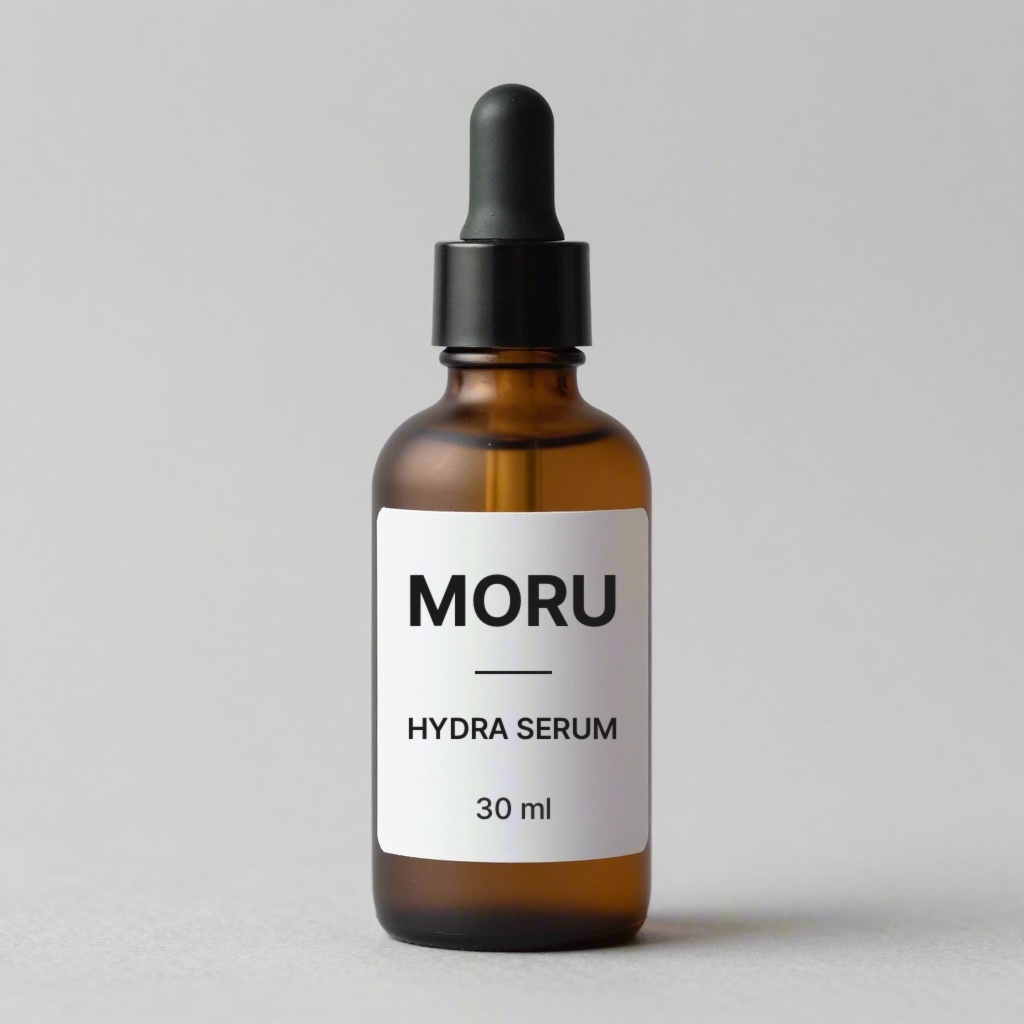
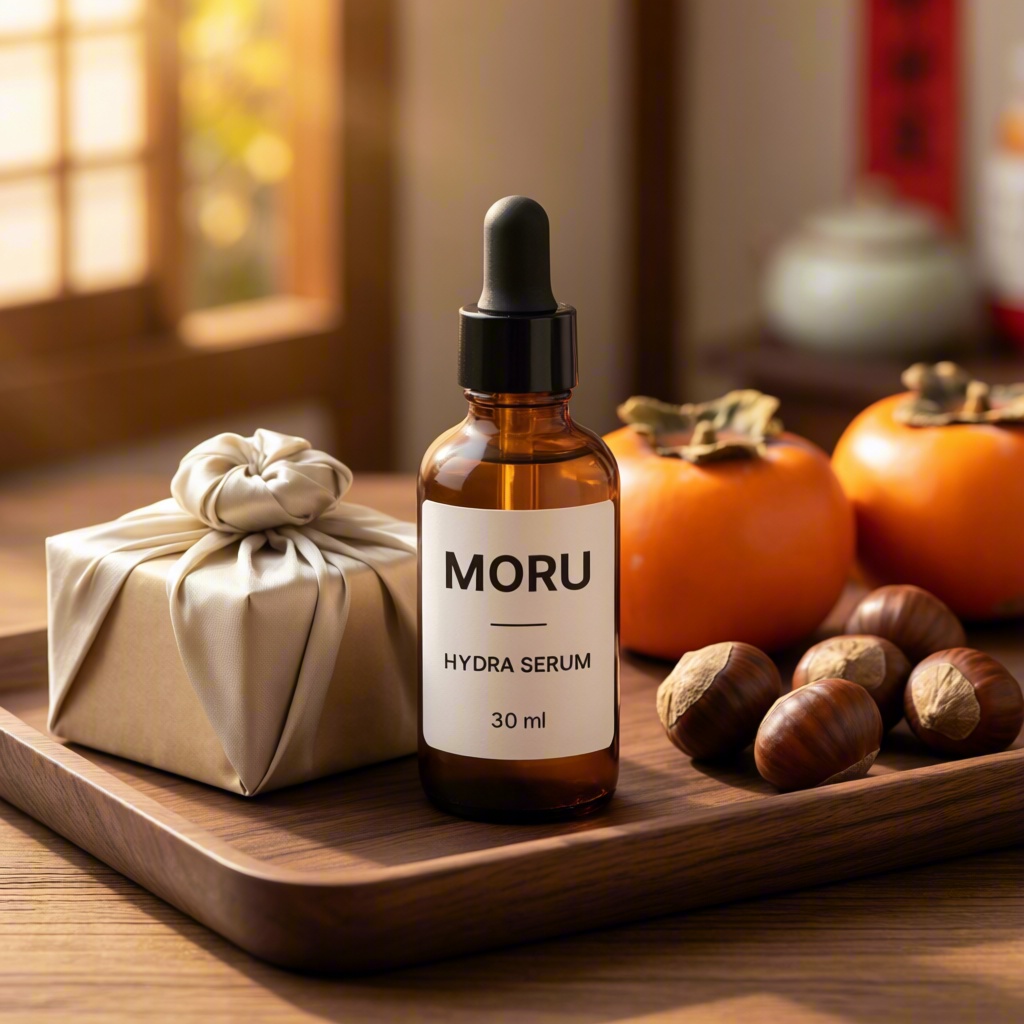
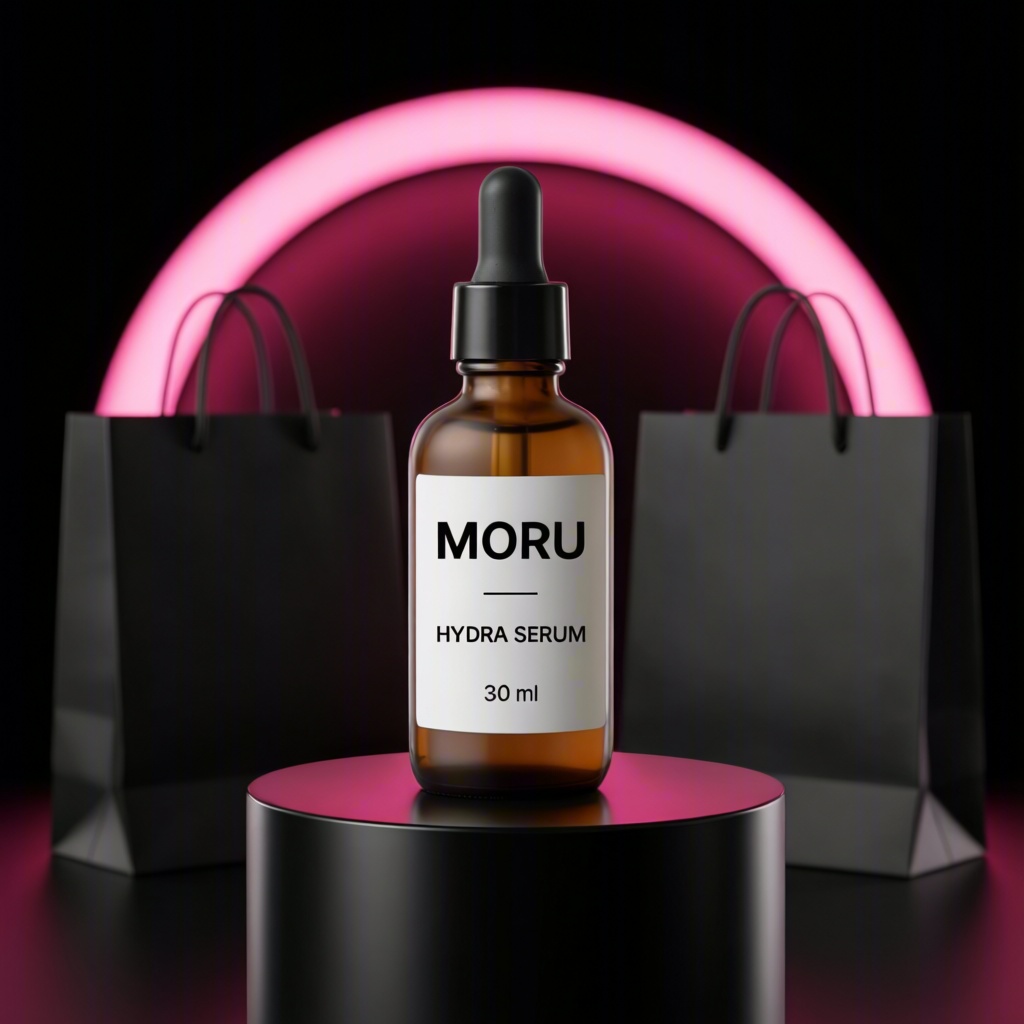
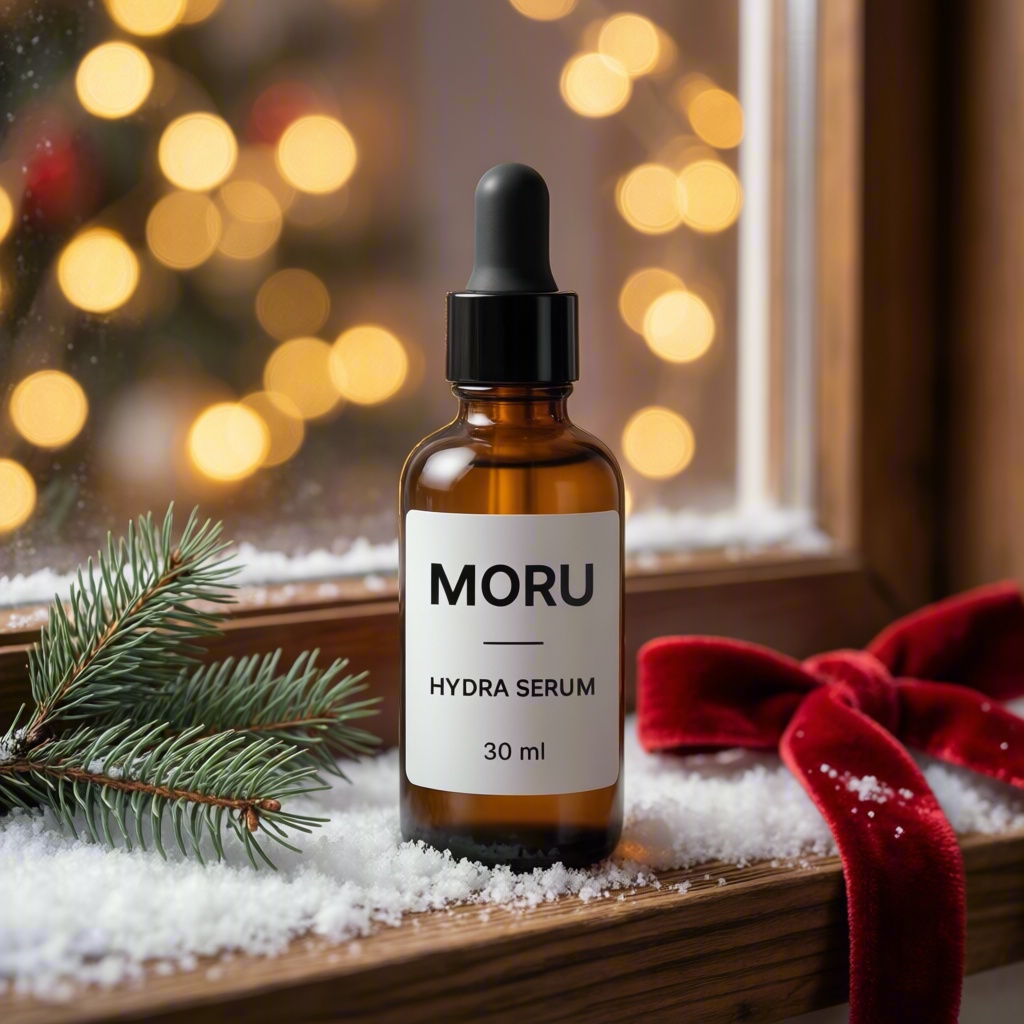
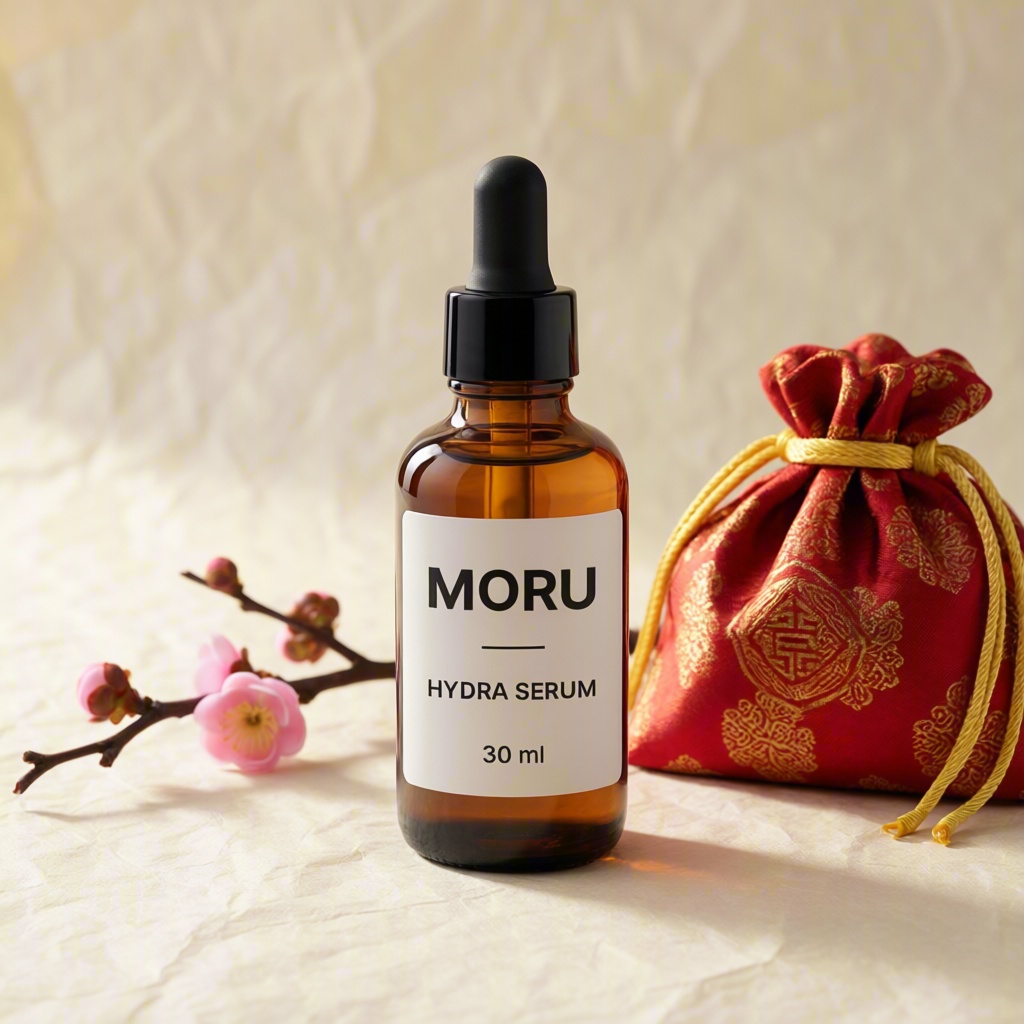
Original product photo and four AI-assisted sample results from the Season campaign card. Select any image to open it at full size.
Start with a clear product photo
Choose a photo in which the product is easy to see and its label is readable. A simple background, clear lighting, and an unobstructed view give you a useful starting point. The example uses a single bottle with its front label facing the camera.
You do not need to prepare four seasonal sets yourself. The card already includes the four themes, so the input is your product photo. There is no separate prompt field to fill in.
How to try it
- Open the card and sign in. Go to Season campaign · 4 shots. Create an account if you do not have one.
- Explore the example. Open the sample images at full size to see how the same product appears in each setting.
- Upload your product photo. In Input, remove the sample file if it is present, then choose your image. The upload field lists PNG, JPG, and WebP among the supported formats.
- Run and review. Click Run, then compare the four seasonal images with your original photo.
- Download your favorites. Download the results you want to keep while signed in.
Check the details before using a result
Look closely at the product’s shape, color, label, and small printed text. Compare each result with your original image, especially if the picture will appear in a product listing or an ad.
Then consider the campaign itself. Does the setting suit your brand? Is the product easy to notice? If you plan to add a headline or an offer, choose a composition that leaves enough room for it.
The four images give you seasonal directions to work with. Review each one before adding your final campaign copy and publishing it.
Do I need to write four prompts?
No. The card prepares the Chuseok, Black Friday, Christmas, and Lunar New Year themes for you. You provide one product photo.
Can I download the images?
Yes. You need to be signed in to download your results.
Try Season campaign · 4 shots →
Start with one product photo and explore four seasonal campaign looks.
