Have a favorite photo of your dog? Turn it into five playful portraits with CNAPS Studio’s Pet photoshoot · 5 shots card. Upload one photo and get a birthday scene, a café outfit, a rainy-day look, a hanbok portrait, and an astronaut adventure. The concepts are already prepared, so you do not need to write five prompts or build a flow.
Sign in or create an account to use this card.
One corgi, five different scenes
In this example, the input shows a tan-and-white corgi sitting against a plain gray background. The five AI-generated results place the dog in different outfits and settings:
- Birthday party: a party hat, a pink ruffled collar, pastel balloons, and a small cake with a candle.
- Café part-timer: an apron, a café counter, and a cup of coffee.
- Rainy day: a yellow raincoat beside a transparent umbrella on a wet street.
- Lunar New Year hanbok: a colorful hanbok in a traditional interior.
- Astronaut: a spacesuit on a moonlike surface, with Earth in the background and a helmet nearby.
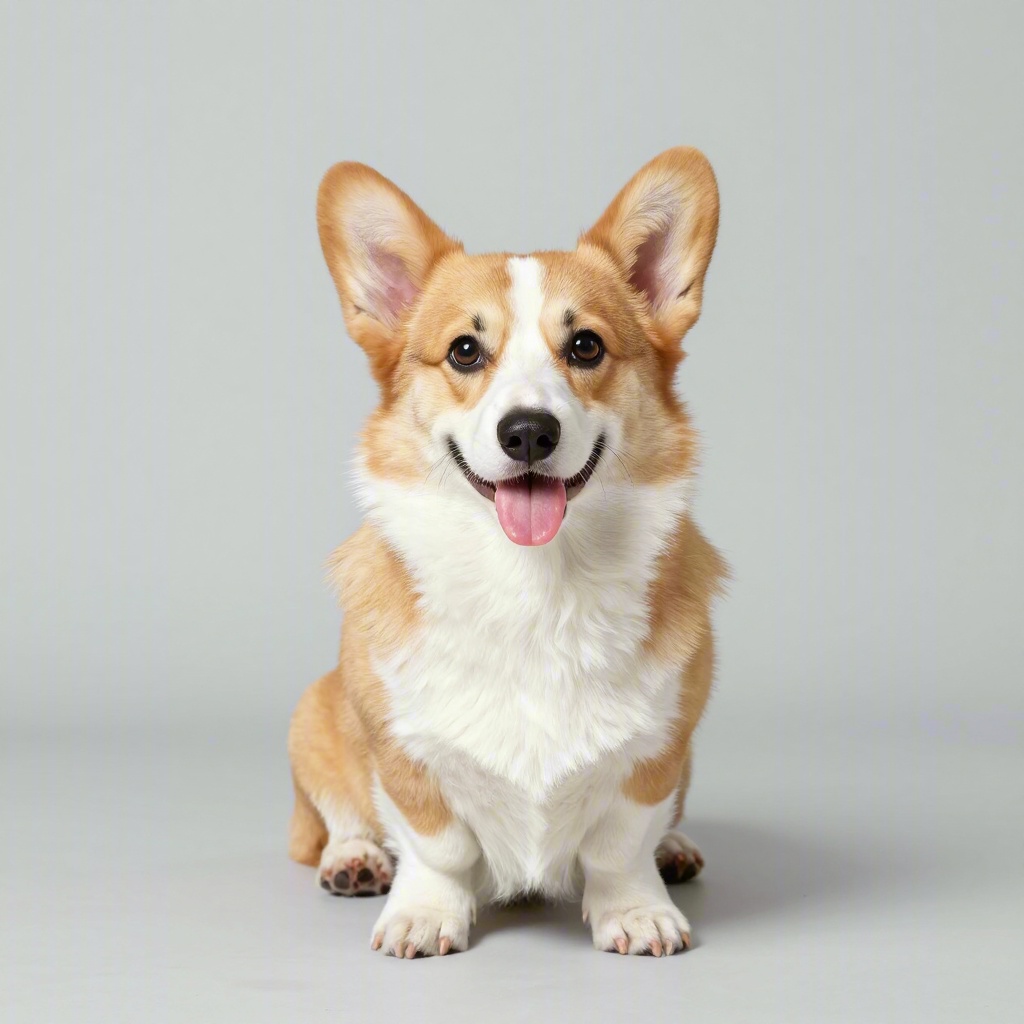
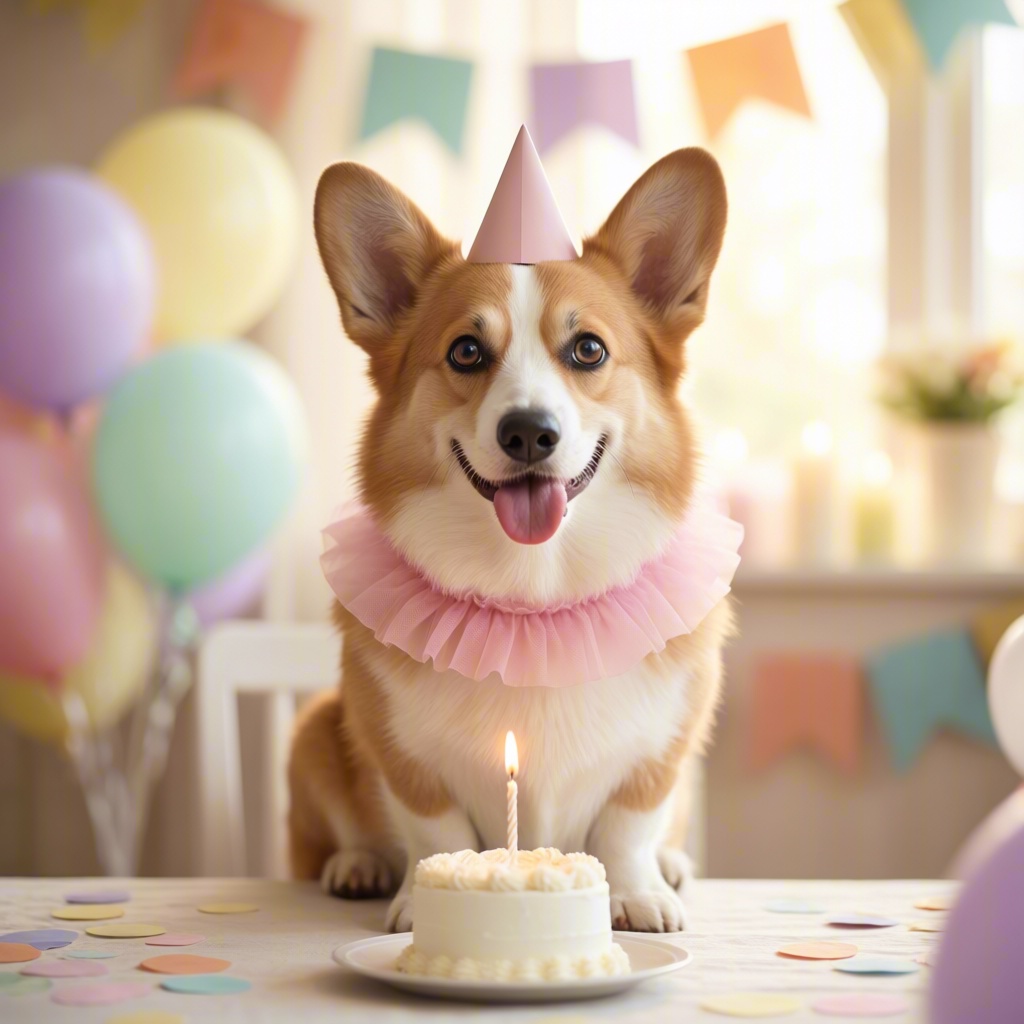
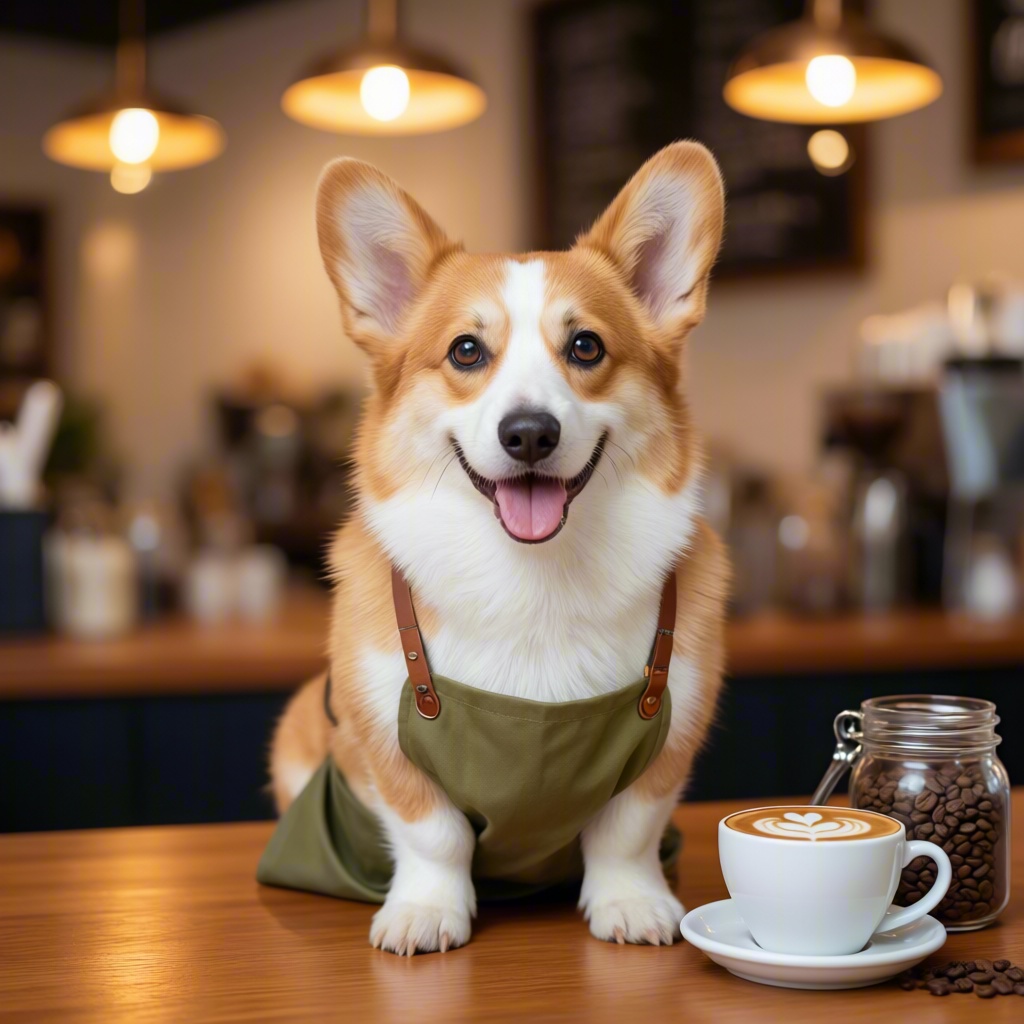
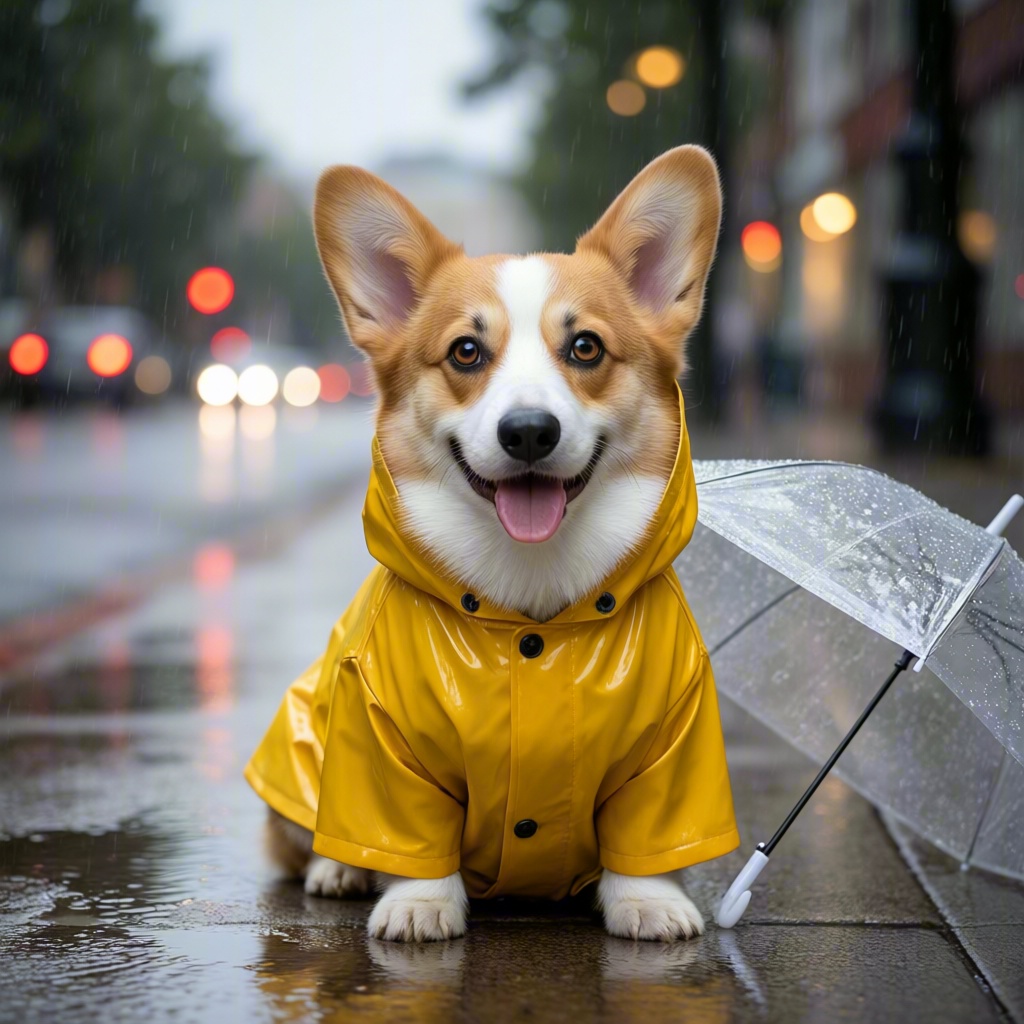
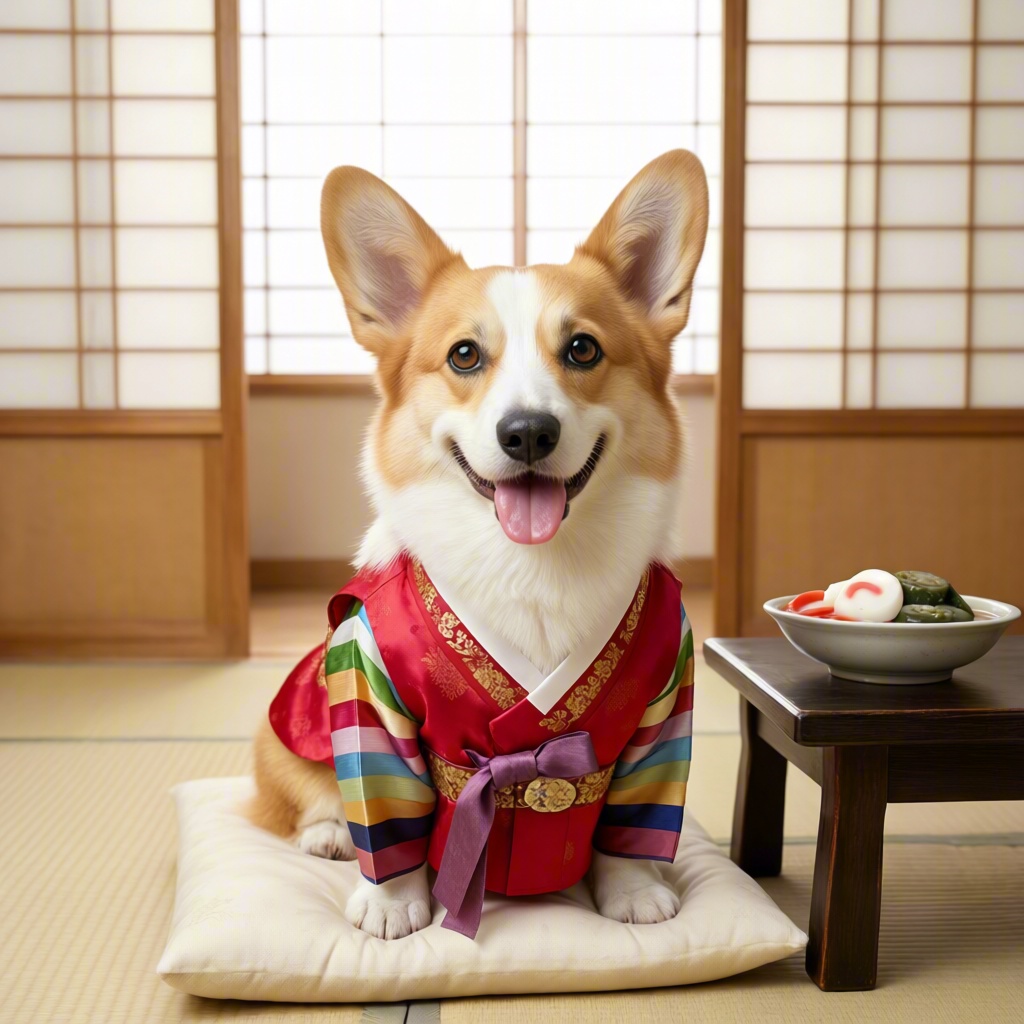
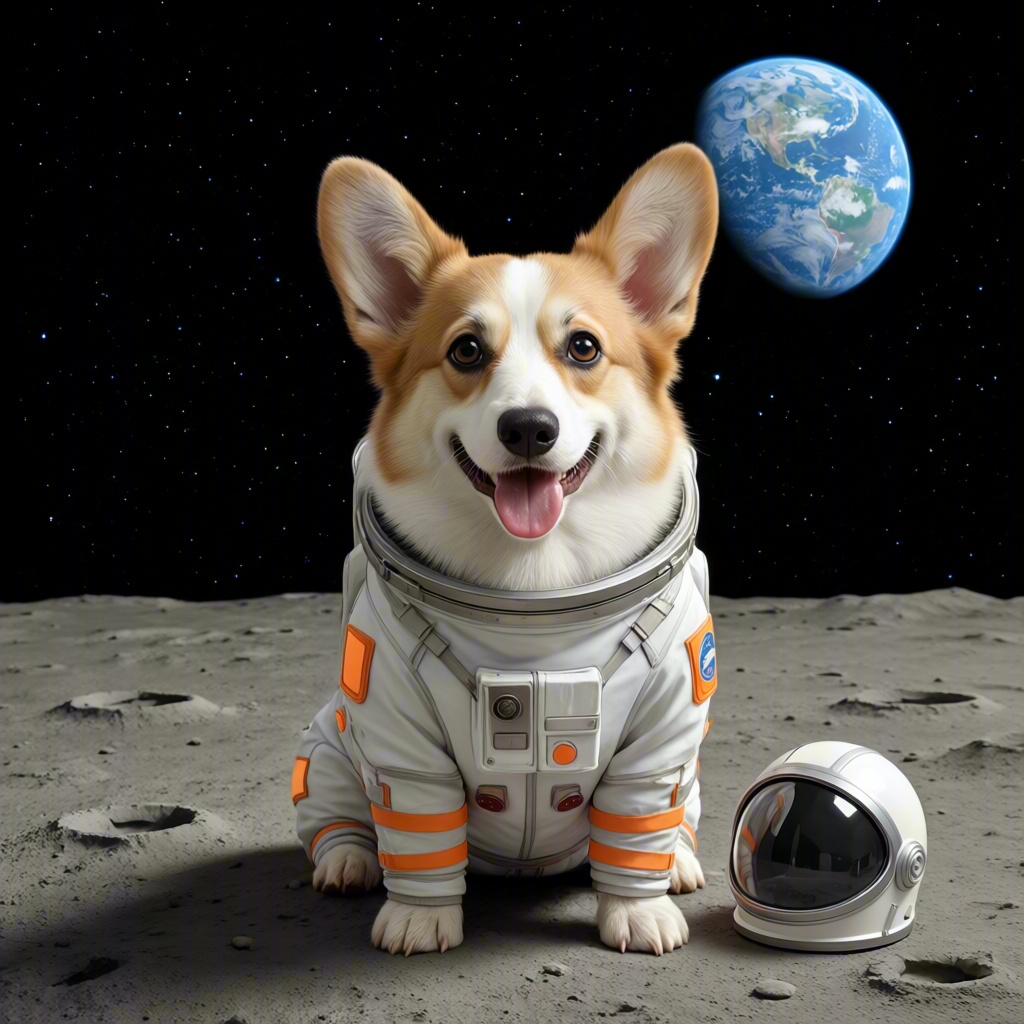
One input photo and five AI-generated concept portraits from the card’s sample.
The corgi’s upright ears, tan-and-white coloring, and white facial stripe remain recognizable across these examples. The clothes, props, and surroundings create the different moods. These are AI-generated concept portraits based on the input image.
A photoshoot without the costumes
A birthday portrait can become a playful greeting. The café scene gives your dog an imaginary day job, while the astronaut portrait takes it somewhere a normal photoshoot cannot. Use the five images as a themed set, or choose one for a personal post or profile picture.
You do not need to dress your dog in a costume or arrange each setting. Start with a photo you already like and let the prepared card create the concepts.
How to try it
- Open the card. Visit Pet photoshoot · 5 shots from CNAPS Studio Home. Sign in or create an account to get started.
- Explore the example. Open the sample images at full size to see the five concepts.
- Add your dog’s photo. Upload your photo in the Input field. If a sample is already loaded, remove it first.
- Run the photoshoot. Click Run, then review the five concept images.
- Choose your favorites. Look closely at each portrait before deciding which ones you want to keep.
Tips for choosing your starting photo
- Make the face easy to see. Choose a well-lit photo with visible eyes, ears, and distinctive fur markings.
- Keep the subject clear. A photo of one dog makes it easier to judge how the results relate to your input.
- Check the details. Compare the face and markings with your original, and inspect the paws and costume edges in each result.
Do I need to write prompts or know how to edit photos?
No prompt-writing or photo-editing experience is needed. The card already contains the five concepts. You provide the dog photo and review the results.
Try Pet photoshoot · 5 shots →
Start with your favorite dog photo and see which of the five looks you like best.
