We’ve partnered with Quabble to give Quabble Duck a holiday makeover—and help you try the same with your own subject. CNAPS Studio’s Your Photo, Four Holidays turns one image of a character, pet, or person into four themed scenes: Halloween, Christmas, a winter trip, and Thanksgiving.
The scenes are already prepared, so you can start with an image instead of writing four separate prompts or building a flow.
You can run this card without signing in. Sign in to download your results.
One Quabble Duck, four holiday scenes
In this example, Quabble Duck starts beside the water in a soft, illustrated beach scene. The four results take the recognizable white duck into very different settings, with seasonal clothing and backgrounds.
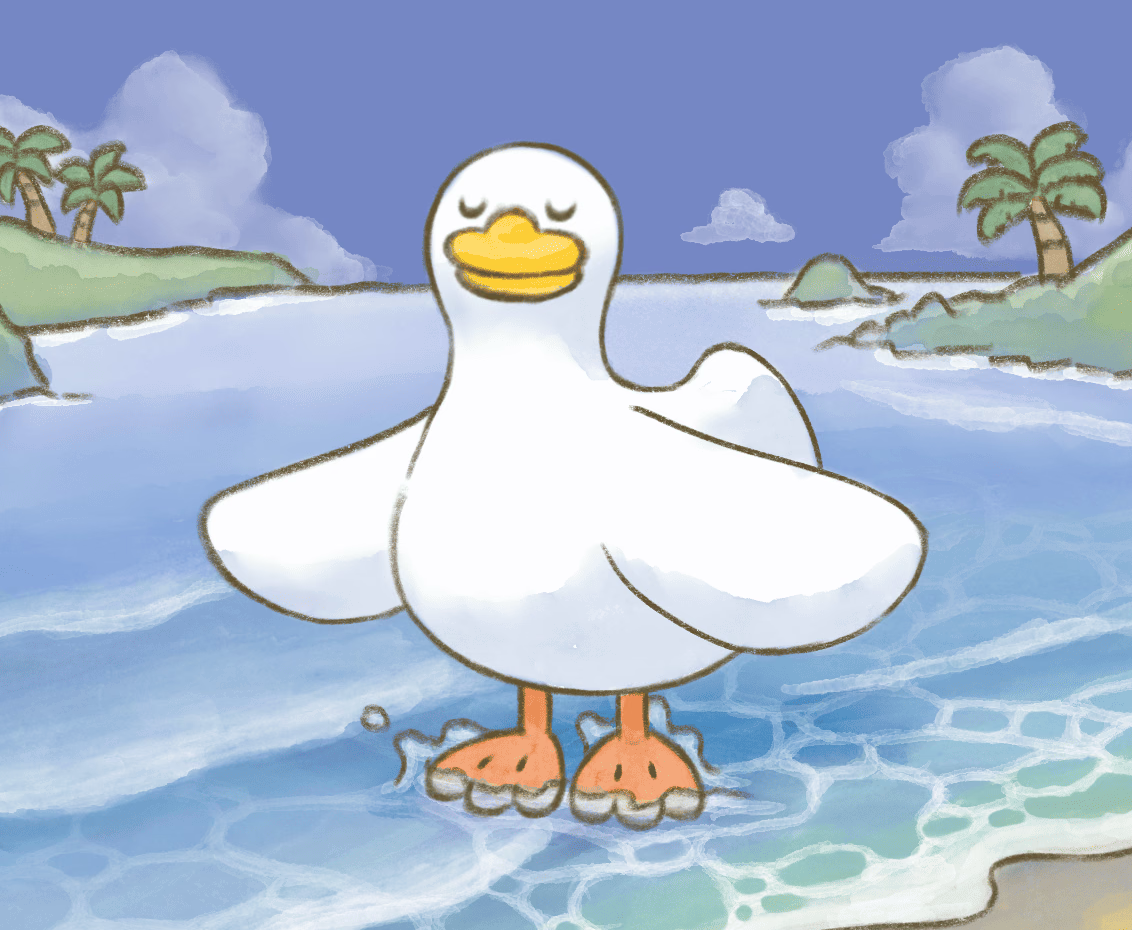
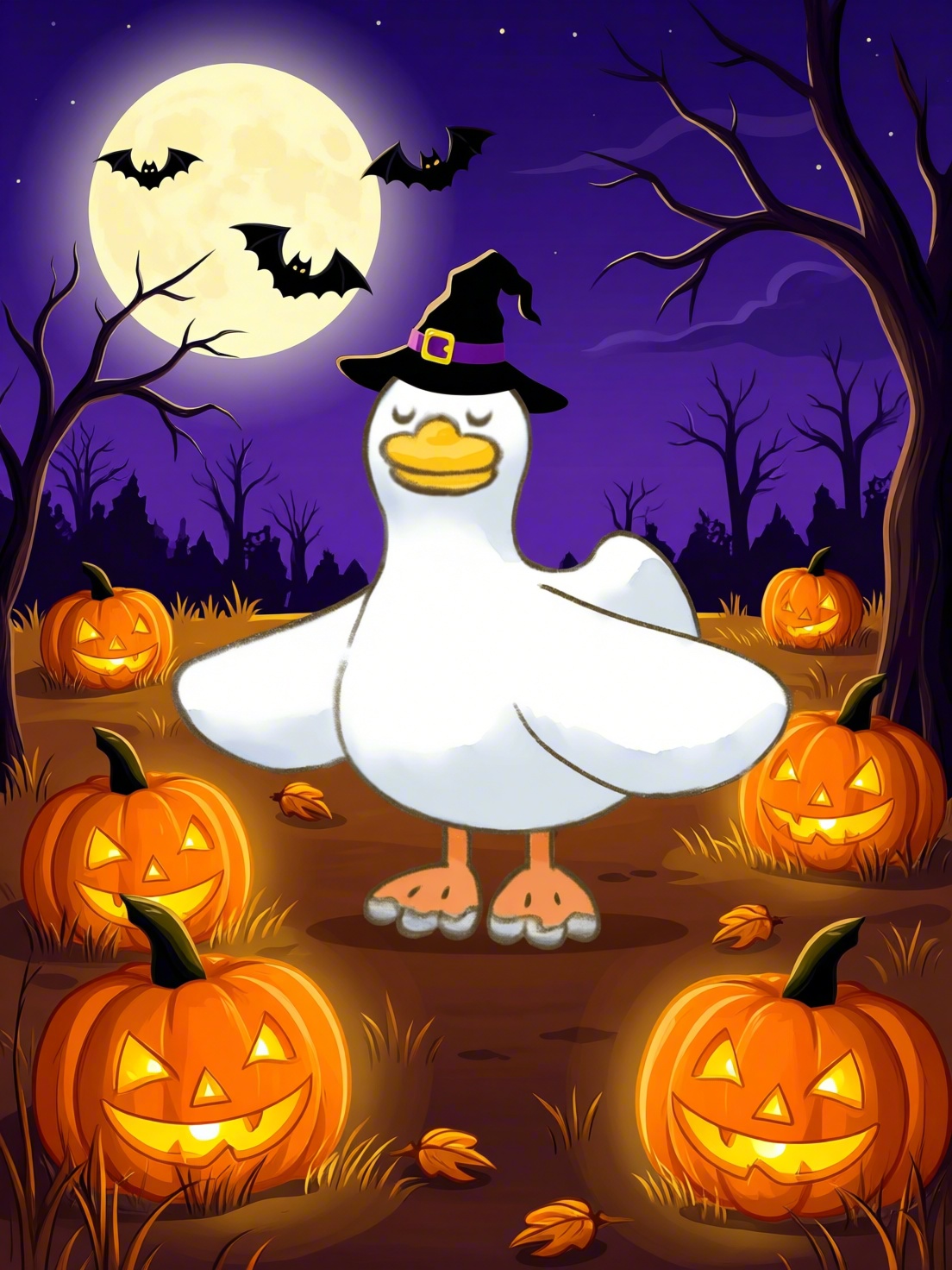
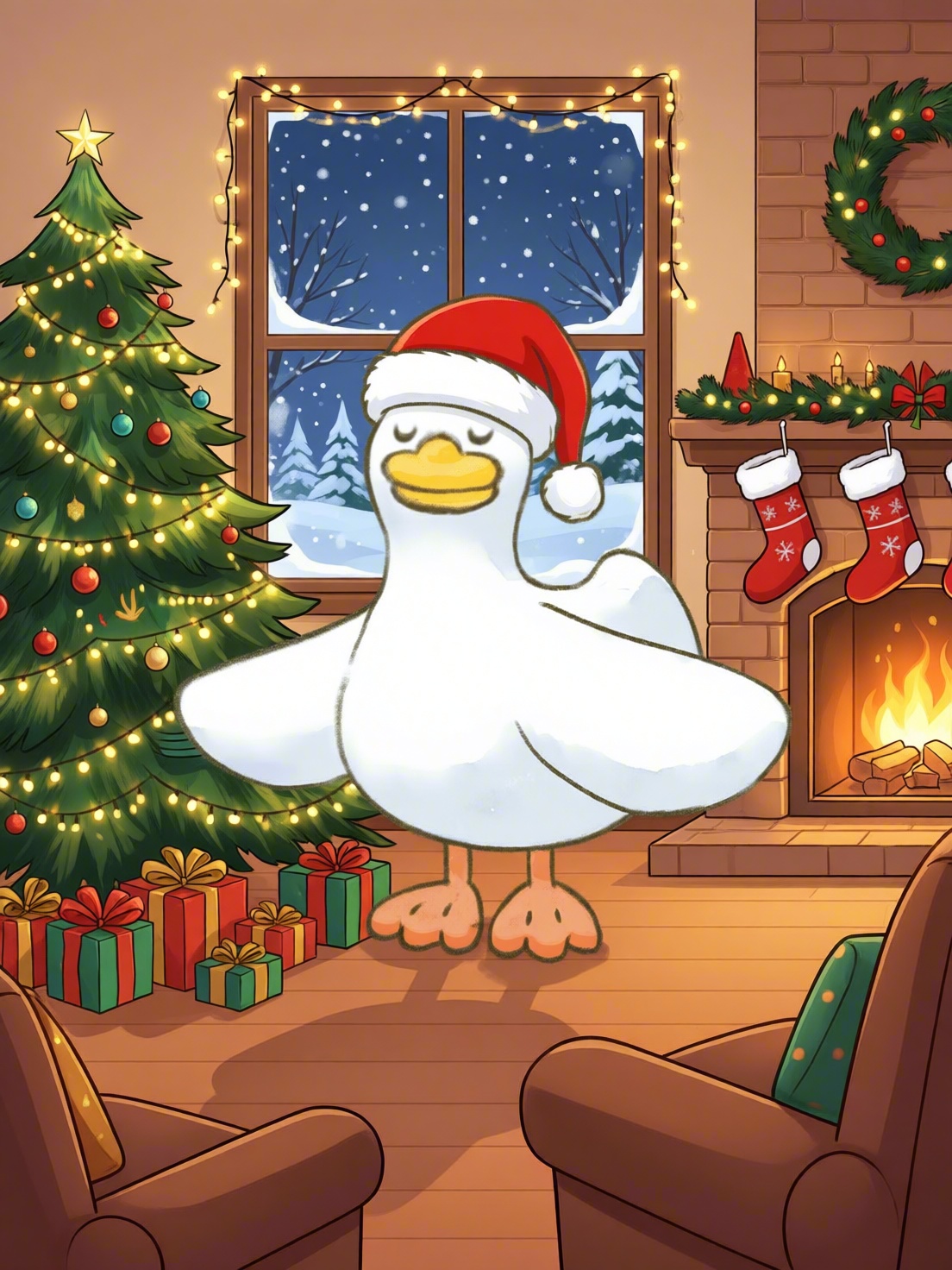
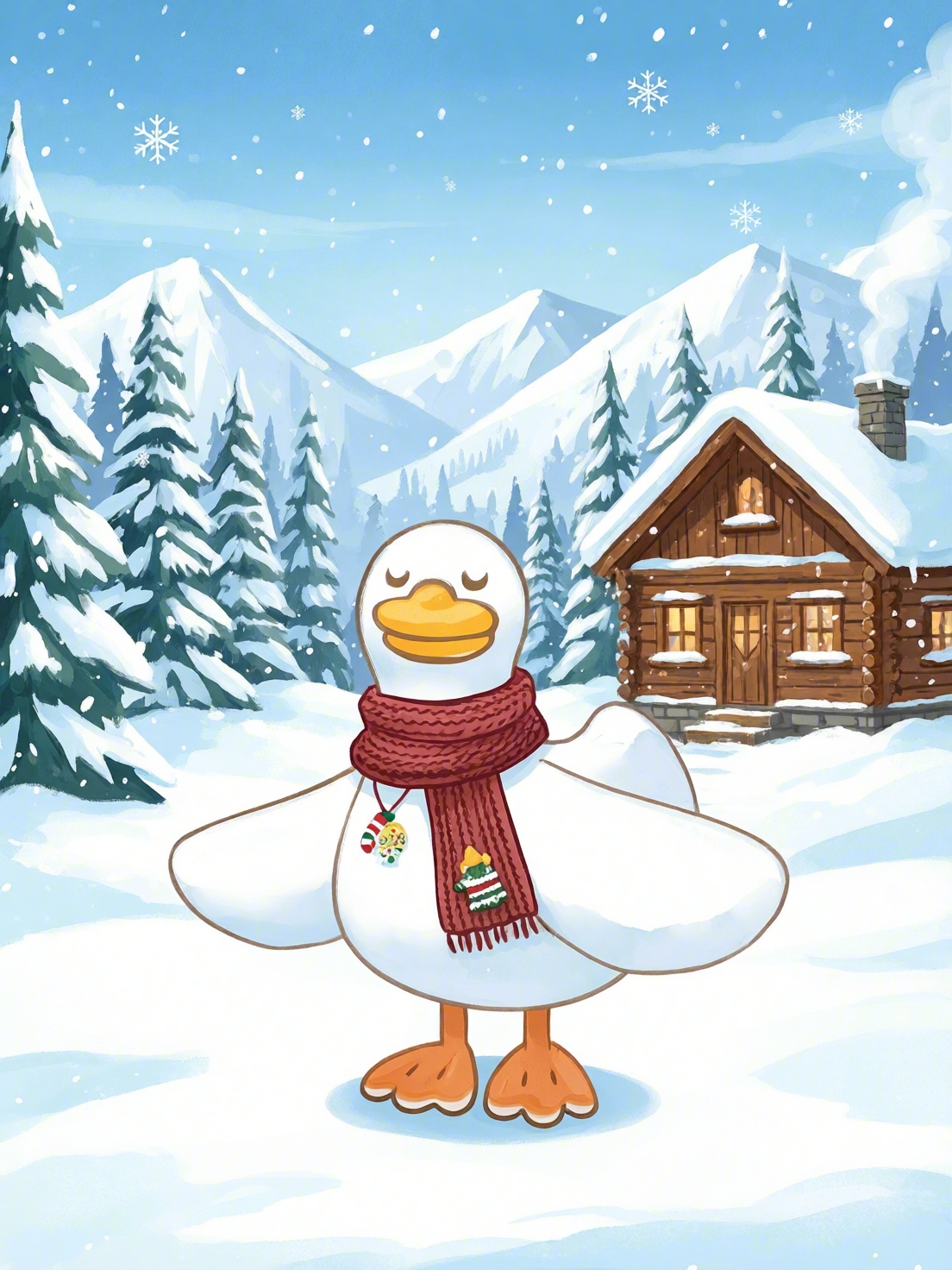
Quabble Duck original and four AI-assisted sample results from Your Photo, Four Holidays. Select an image to view it full size.
Halloween: A witch’s hat, glowing pumpkins, bats, and a large moon create a playful nighttime scene.
Christmas: A Santa hat, decorated tree, presents, and a fireplace give the duck a cozy indoor setting.
Winter Trip: A patterned scarf, snowy mountains, pine trees, and a wooden cabin turn the scene into a winter getaway.
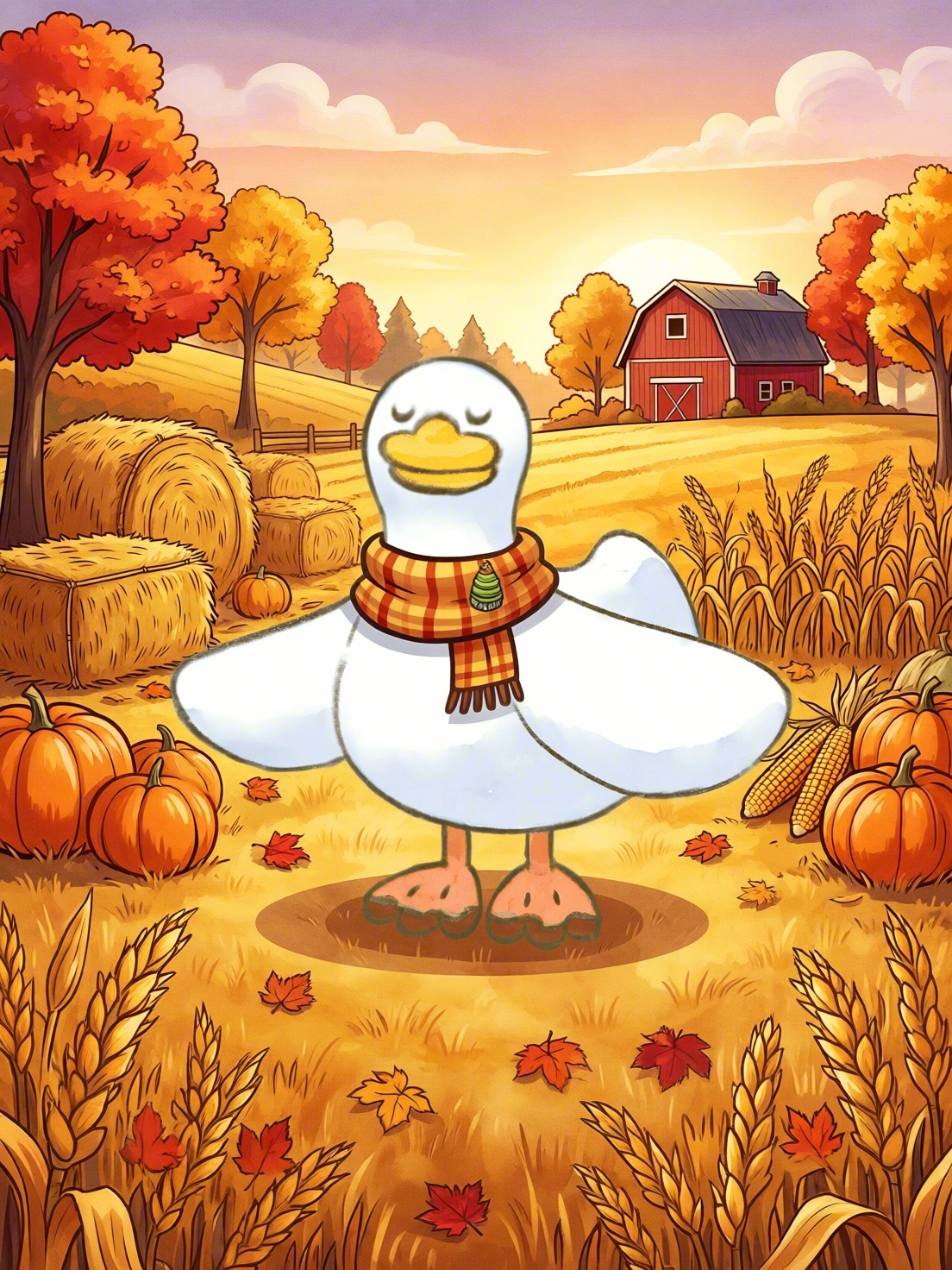
Thanksgiving: A plaid scarf, pumpkins, corn stalks, and a red barn surround the duck with warm autumn colors.
The duck stays recognizable across the set, while the expression, outlines, and rendering vary. Look at both the character and the setting when choosing which results to use.
How to make your own holiday scene pack
- Open the card. Go to Your Photo, Four Holidays and explore the four examples.
- Upload your image. Replace the sample in the Input field with a PNG, JPG, or WebP image of your character, pet, or person.
- Keep the input simple. Choose an image with one clear subject and no text on it, as the card recommends. The holiday themes are prepared for you.
- Run and review. Click Run. The card estimates about 4–5 minutes. Review the Halloween, Christmas, Winter Trip, and Thanksgiving results.
- Download your favorites. Sign in and download the scenes you want to keep.
Make the set useful for your next post
A character you already use can become the starting point for seasonal social posts, greeting cards, or a holiday content series. With four scenes together, you can choose one for the next occasion and keep the others for later.
Start with an image where the face and body are easy to see. Once the results are ready, check the features that make your subject recognizable—such as the face, markings, proportions, or distinctive colors.
If you want to add a greeting, review the generated image first and add your text afterward. That keeps the message easy to read and lets you reuse the same scene with different captions.
Meet Quabble
The example features Quabble Duck from our partner Quabble, a mental wellness app with activities for sleep, meditation, anxiety management, journaling, and more.
The holiday images are created in CNAPS Studio. To explore the app behind the character, follow the card’s Try Quabble button.
Do I need to write a prompt for each holiday?
No. The card has four prepared themes. Upload your image to try the same set with your own subject.
Can I use a pet or a person instead of a character?
Yes. The card supports a character, pet, or person. Choose one clear subject and check the generated details before sharing the results.
Try Your Photo, Four Holidays →
Start with one image and see your subject dressed for four different occasions.
