Turn a character image into a video with something to say. With CNAPS Studio’s Make Your Character Talk card, you can upload an image, write a message, and create a video of the character saying it out loud. The voice is generated automatically, so you do not need to record or upload audio.
Sign in or create an account to use this card for free.
This card is presented in partnership with BabeChat. Create your talking video in CNAPS Studio, and explore character conversations on BabeChat.
One character image and your own message
Start with an image of one character and a short message you want them to say. You could create a welcome, a birthday greeting, or an introduction to a fictional world.
Write the spoken words directly. You do not need to describe camera movements or a new background to get started. The prepared card turns your image and message into a talking video.
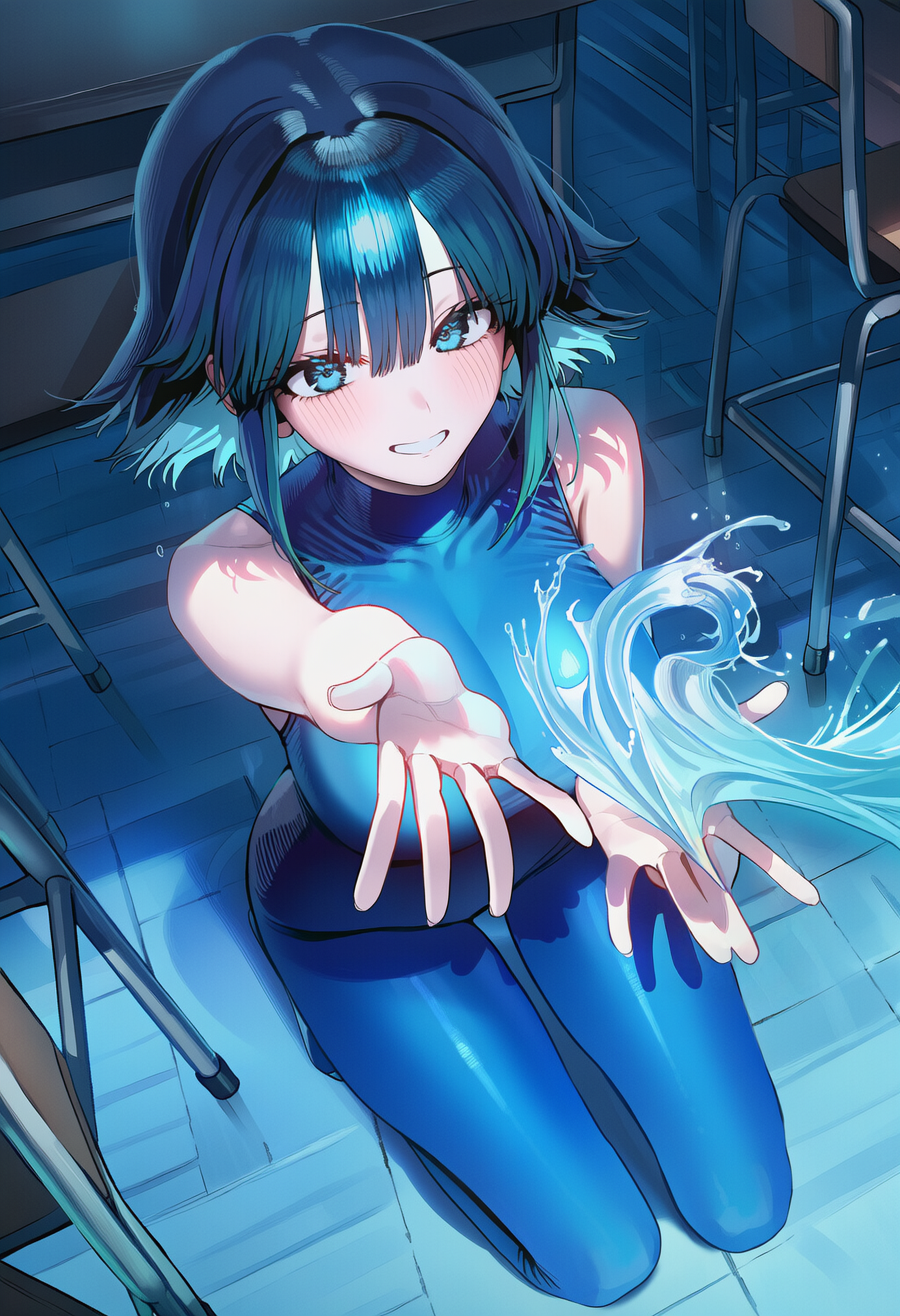
Original character image and the card’s AI-generated sample video. Play with sound to hear the introduction.
How to make your character talk
- Sign in and open the card. Sign in to CNAPS Studio, then open Make Your Character Talk.
- Upload a character image. Choose a PNG, JPG, or WebP image of one character, with the face and mouth clearly visible.
- Write your message. Enter the words you want the character to say in the text field labeled “How should we chang it?”
- Run and review. Click Run. The card estimates about 3 minutes. Play the result with sound and check the speech, facial movement, and overall expression.
- Save your video. Download the result you want to keep.
A few tips for your first message
- Choose a clear face. The card recommends one character facing forward, with the face and mouth clearly visible.
- Keep the message focused. Start with one greeting or introduction. Read it aloud before running it to check that it sounds natural.
- Review the whole clip. Check the character’s appearance and mouth movement throughout the video, as well as how the words are pronounced.
Explore character conversations with BabeChat
BabeChat is our partner for this card. It offers character conversations and worlds created by its creator community. Use CNAPS Studio to make a talking video from an image and your own message.
Can I use this card for free?
Yes. You need to sign in to use this card, and it is available for free.
Do I need to upload a voice recording?
No. Add a character image and write the message. The card generates a voice automatically.
Do I need video editing experience?
No editing experience is needed to use the prepared card. You can start with an image and a message without choosing models or building a flow.
Choose your character, write a message, and hear it come to life.
